55
4
Advanced shooting
PANORAMA - Panorama shooting
You can take advantage of panorama shooting with the Olympus xD-Picture
Card. Panorama shooting lets you connect pictures with overlapping edges
into a single panoramic picture, using the CAMEDIA Master software
contained on the CD-ROM provided.
Connects pictures from
left to right.
Connects pictures from
bottom to top.
1 In the shooting mode top menu, select
MODE MENU T CAMERA T
PANORAMA, and press
í.
~
“How to use the mode menu” (P. 30)
• The monitor turns on.
• The PANORAMA mode is set.
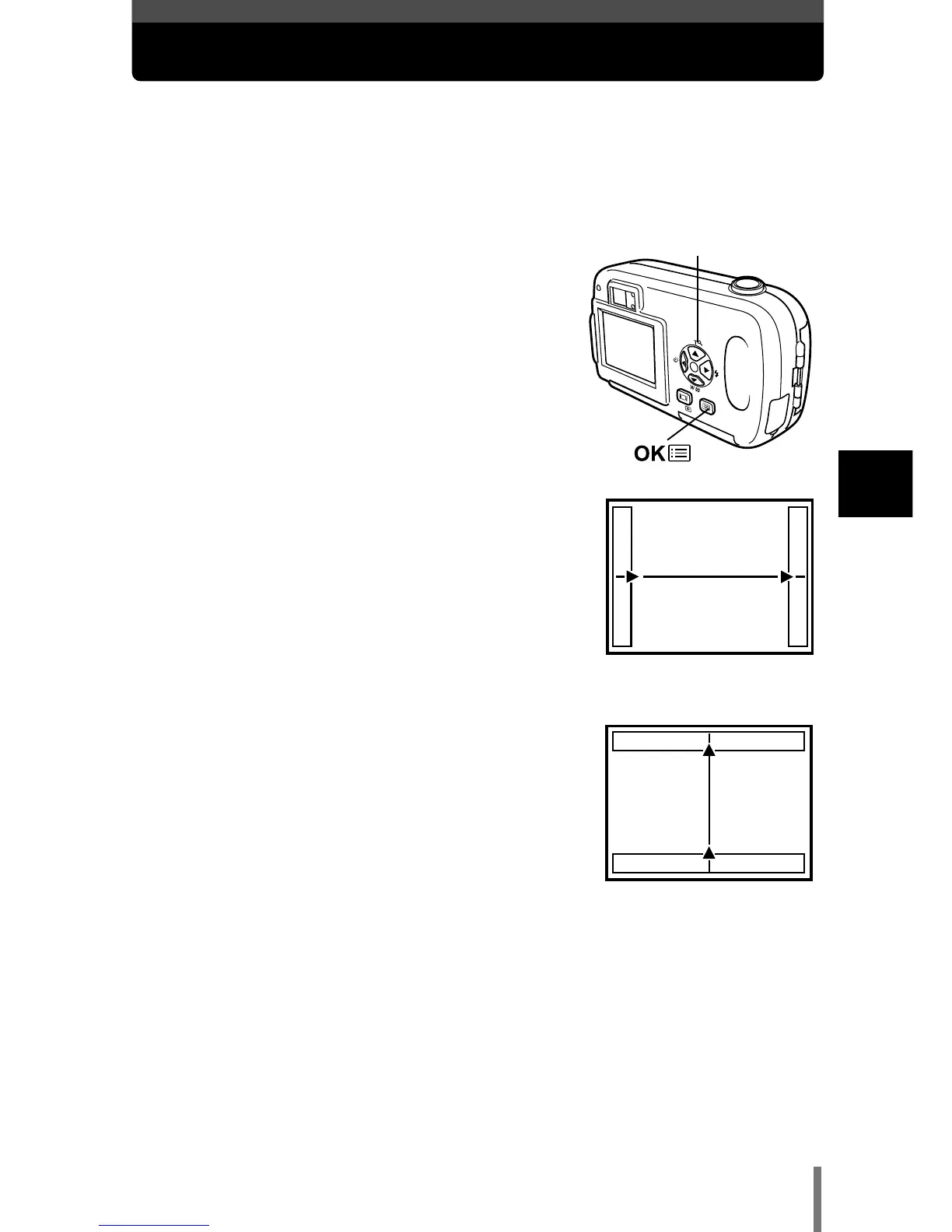
2 On the monitor, use the arrow pad to
choose the direction you want the
pictures connected.
í
: Connects the pictures from left to right.
É : Connects the pictures from right to left.
Ñ : Connects the pictures from bottom to top.
ñ : Connects the pictures from top to bottom.
Arrow pad (ÑñÉí)







 To Next Page