53
4
Advanced shooting
Self-timer shooting
This function lets you take pictures using the self-timer. Fix the camera
securely on a tripod or set it on a level surface for self-timer shooting. This
function is useful for taking pictures where you want to be included in the
photograph.
1 Open the lens barrier fully.
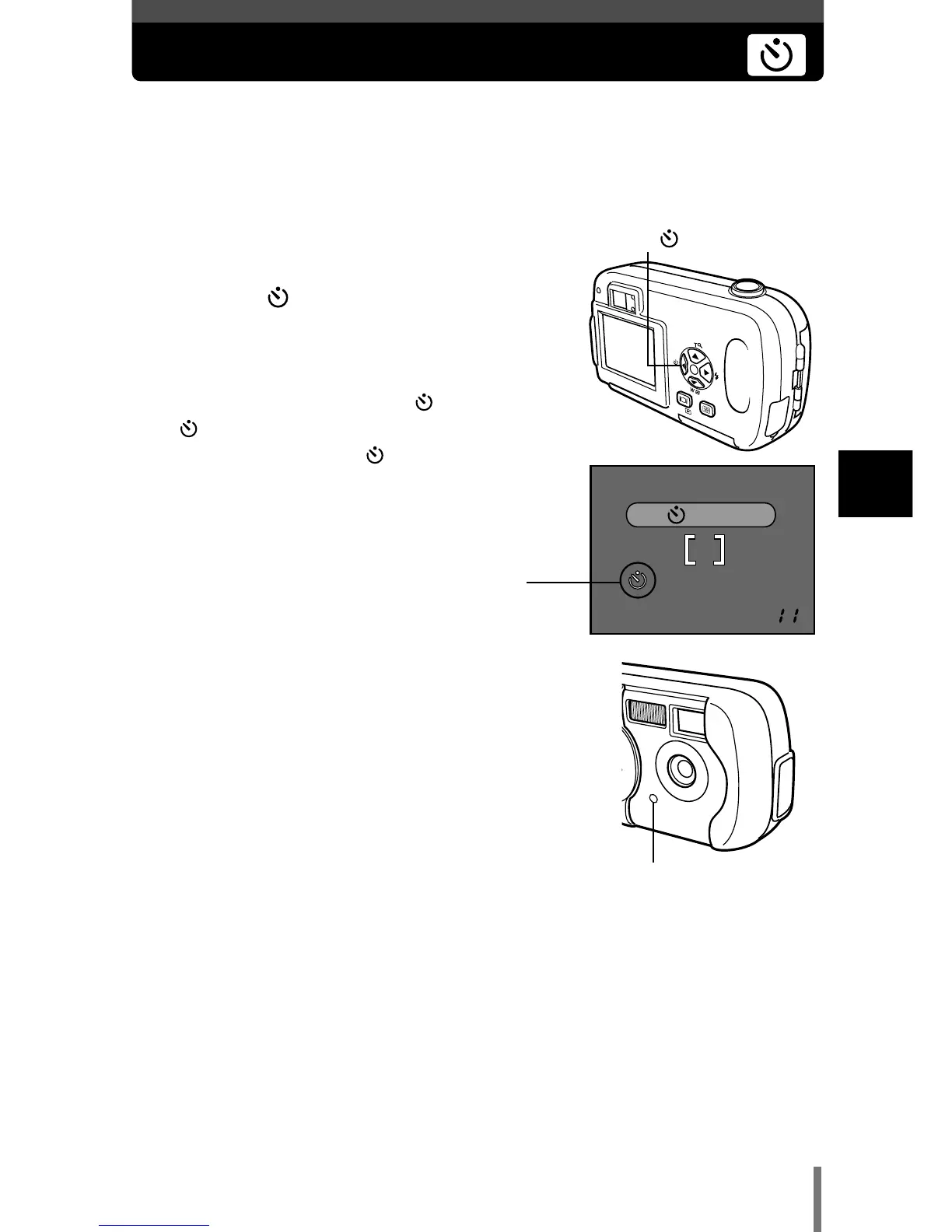
2 Press É ().
• The monitor turns on.
3 Press É again to set the self-timer mode.
• The setting changes between OFF and
ON each time É is pressed. When the self-
timer mode is selected, is displayed on the
monitor.
4 Take the picture. Press the shutter button
to start the timer and take the picture.
• The self-timer lamp lights for approximately 10
seconds, then starts blinking. After blinking for
approximately 2 seconds, the picture is taken.
• The self-timer mode is automatically canceled
after one shot.
Self-timer lamp
É ()







 To Next Page