57
4
Advanced shooting
2 IN 1 - Taking two-in-one pictures
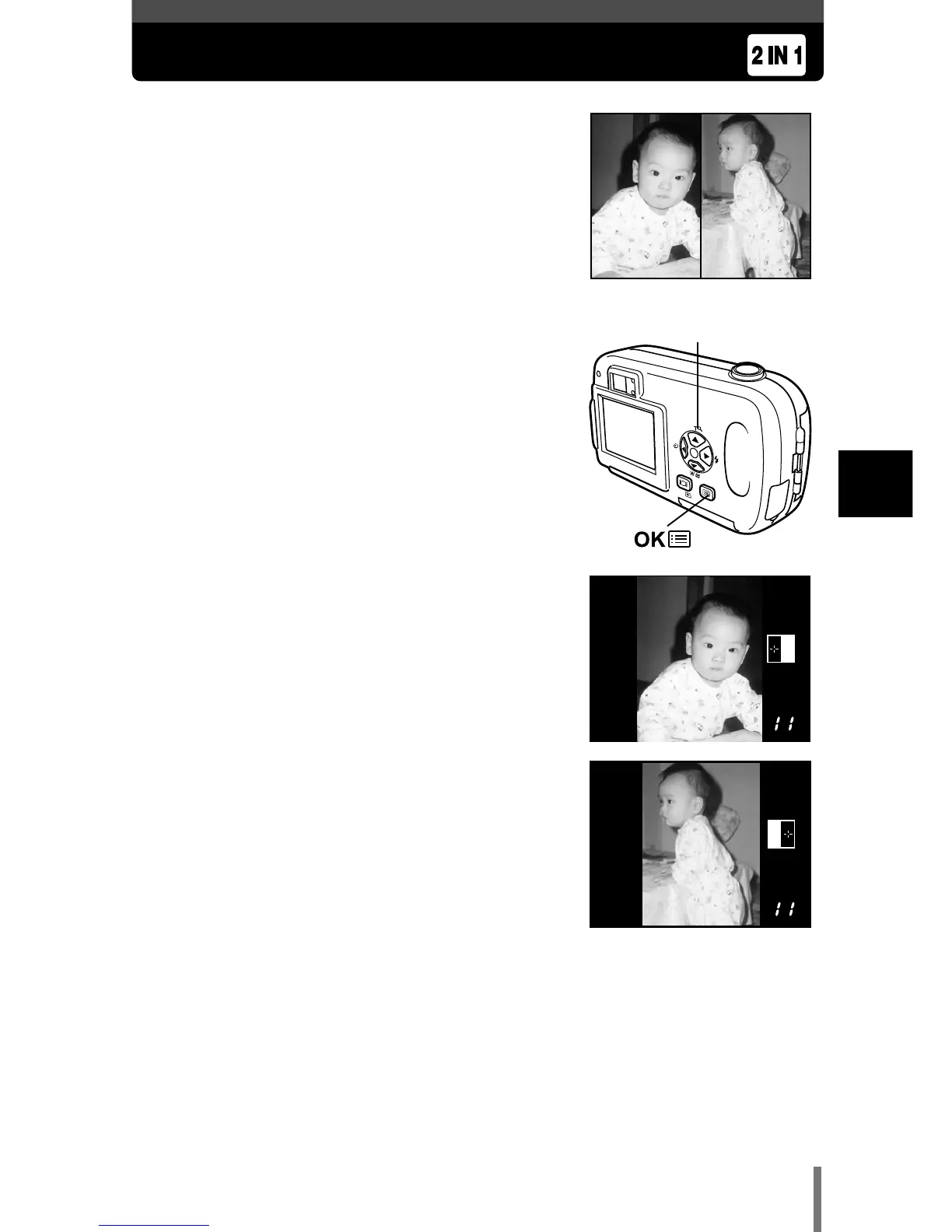
This function allows you to combine two pictures
taken in succession and store them as a single
picture. You can combine two different subjects
in one picture.
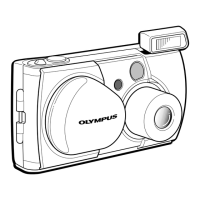
1 In the shooting mode top menu, select
MODE MENU T CAMERA T 2 IN 1, and
press
í.
~
“How to use the mode menu” (P. 30)
• The monitor turns on.
• The two-in-one picture mode is set.
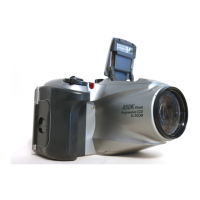
2 Take the first shot while observing your
subject on the monitor.
• The subject will be positioned on the left in the
combined picture.
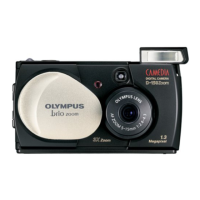
3 Take the second shot.
• The subject will be positioned on the right in the
combined picture.
• The first and second shots are saved as a single
picture.
Picture when played back
Picture when shooting









 To Next Page