71
5
Playback
Viewing still pictures
Slideshow
This function displays still pictures stored on the card one after another.
Only the first frame of movies is played back.
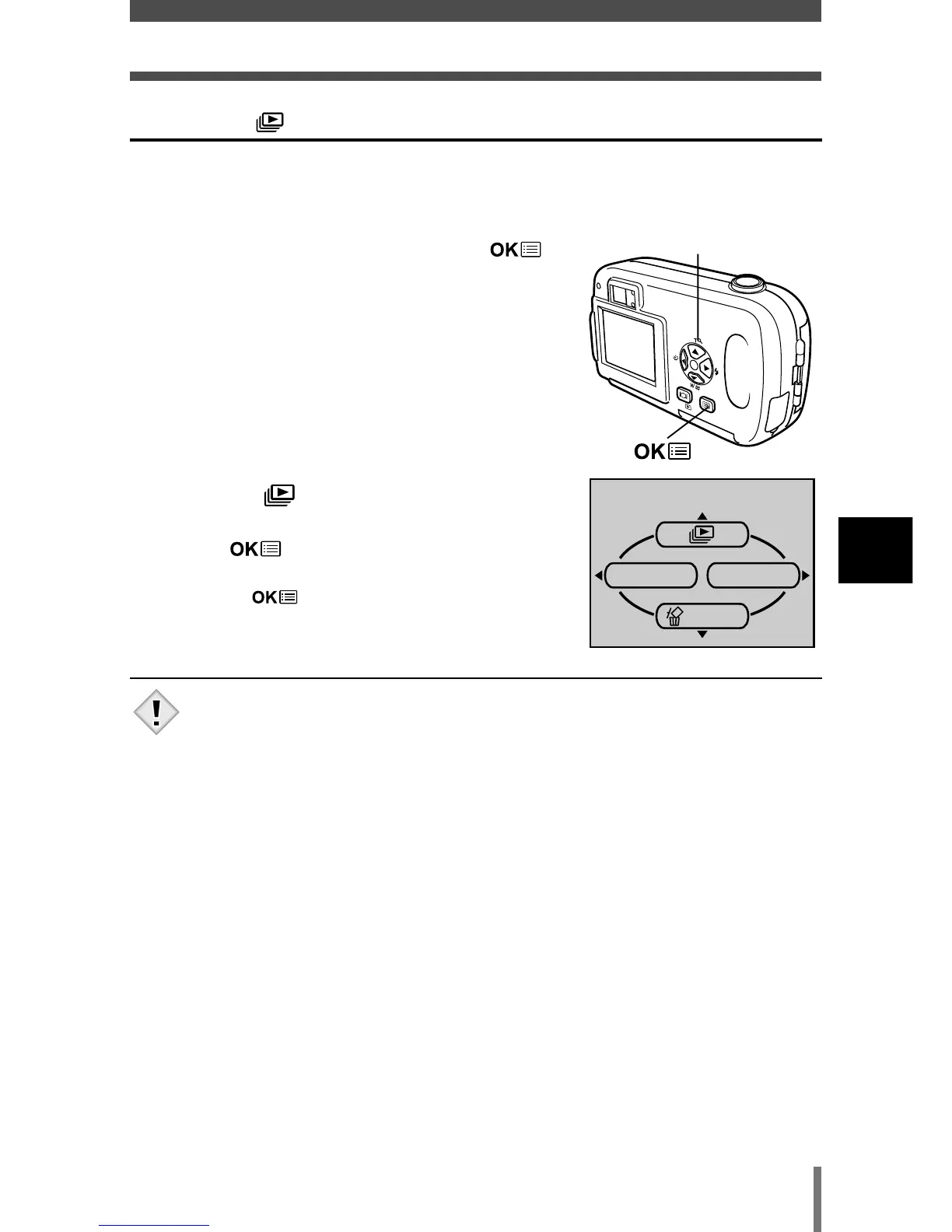
1 Display a still picture, then press to
display the top menu.
2 Press Ñ ( ) to start the slideshow.
3 Press to stop the slideshow.
• The slideshow will not stop until you cancel it by
pressing .
• You are recommended to use the optional AC adapter when
running a slideshow for a long period of time. If the battery is used,
the camera will stop the slideshow after about 30 minutes and turn
off.







 To Next Page