21
1
Getting started
Power on/off
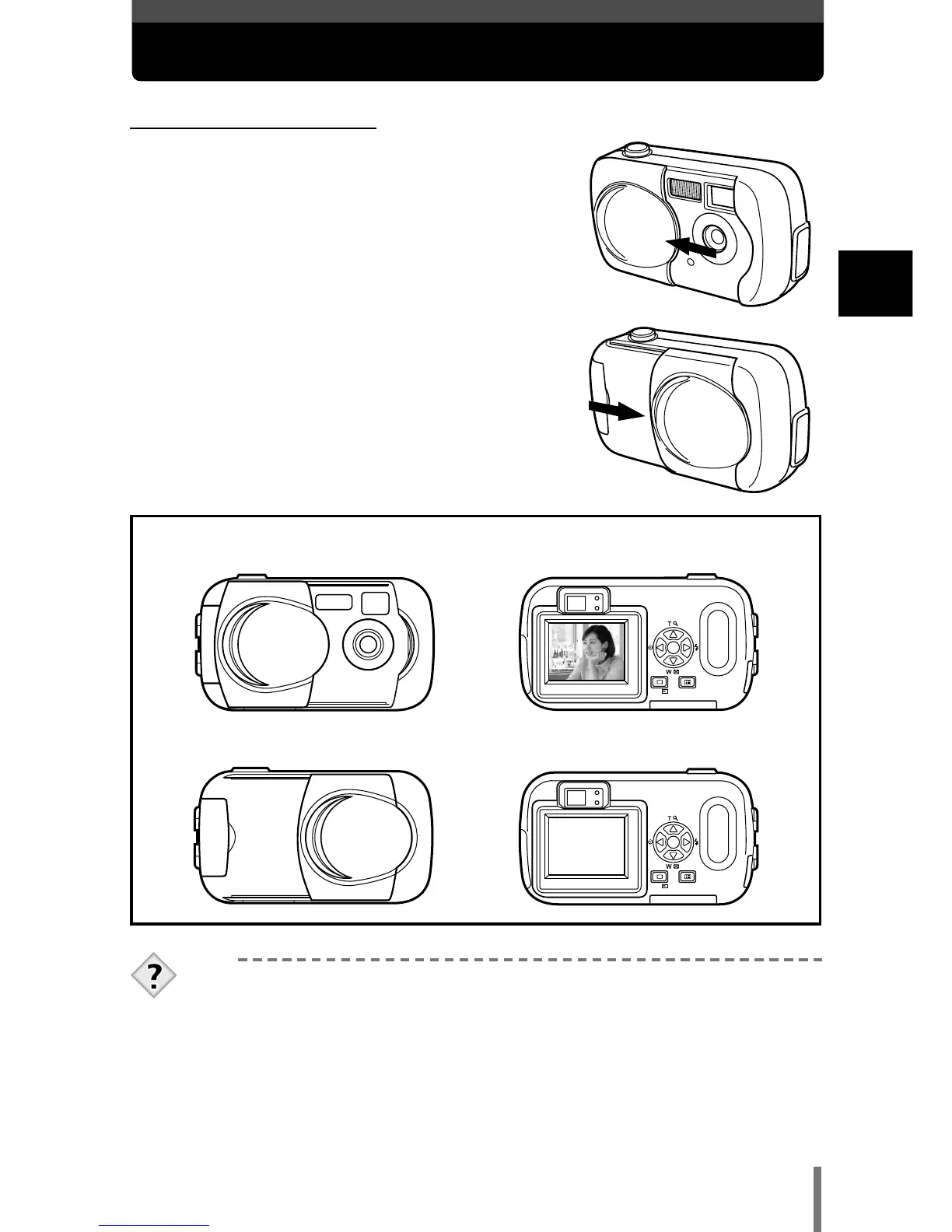
●When shooting pictures
Power on: Open the lens barrier.
The camera turns on in the shooting
mode.
Power off: Close the lens barrier.
The camera turns off.
TIPS
• To save battery power, the camera automatically enters the sleep
mode (stops being active) after about 3 minutes of non-operation.
The camera activates again as soon as you lightly press the
shutter button. Whenever possible, turn the camera off when you
do not intend to take any pictures for a while.
● Power on
● Power off










 To Next Page