75
5
Playback
MOVIE PLAY - Viewing movies
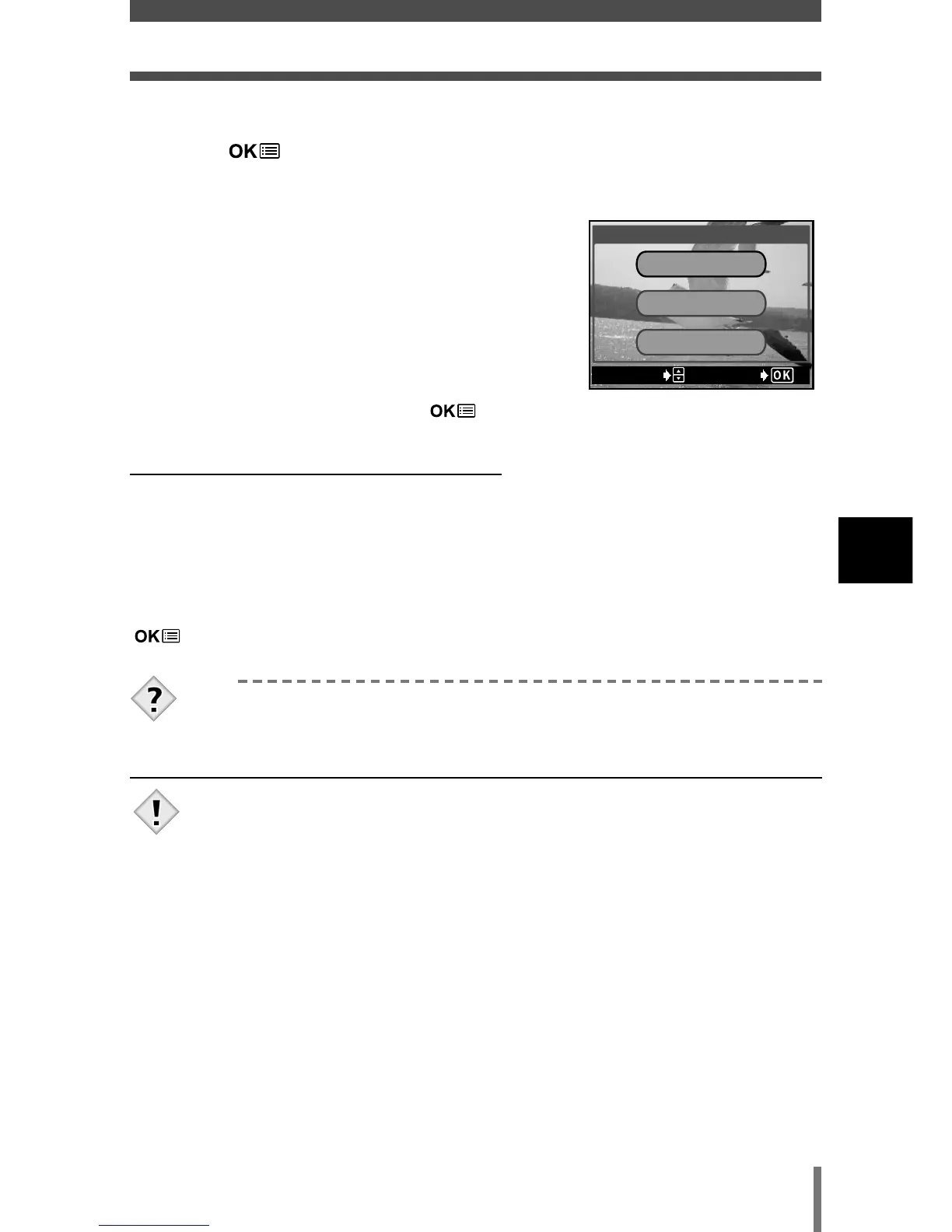
5 Press Ññ to select PLAYBACK, then
press .
• The movie is played back.
• After playback, the menu is displayed.
PLAYBACK : Plays back the entire movie
again.
FRAME BY
FRAME : Plays back the movie manually
one frame at a time.
EXIT : Leaves the movie playback
mode.
Press
Ññ to select from PLAYBACK, FRAME
BY FRAME or EXIT, then press .
●When FRAME BY FRAME is selected
Ñ
: Displays the first frame of the movie.
ñ : Displays the last frame of the movie.
í : Displays the next frame. The movie can be displayed continuously by holding
the button down.
É : Displays the previous frame. The movie can be displayed continuously in
reverse by holding the button down.
: Displays the MOVIE PLAY menu.
• When playing back a movie, the access time will vary depending on
the length and record mode of the movie.













 To Next Page