108
6
Adjusting the image quality and exposure
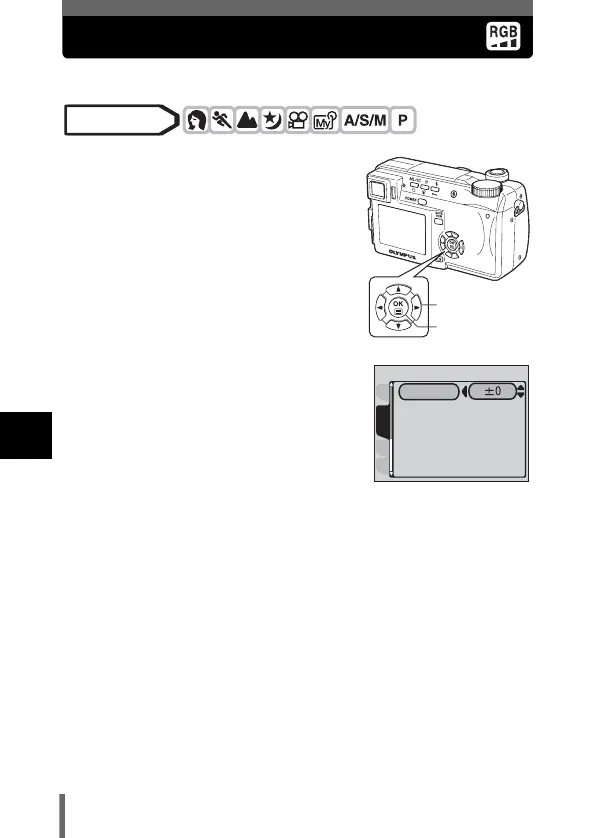
SATURATION
This function adjusts the color depth.
1 In the top menu, select MODE
MENU PICTURE
SATURATION, and press d.
g“How to use the menus” (P.33)
2 Press ac to adjust the
saturation between +5 and -5.
• To increase the saturation (+) :
Press a. Colors become
darker and more intense.
• To reduce the saturation (-) :
Press c. Colors become
lighter.
• When you have finished setting the saturation, press e. Press e
again to exit the menu.
Mode dial
Arrow pad
OK button
CARDSEt
CAM
PICtURE
SAtURAtION






 To Next Page