54
3
Shooting basics
Zoom
Telephoto and wide-angle shooting are possible at 10× magnification (the
optical zoom limit, equivalent to 42 mm – 420 mm on a 35 mm camera). When
taking still pictures, you can increase zoom magnification to a maximum of
approximately 30× by combining the optical zoom with the digital zoom.
During movie recording, the digital zoom magnification is 2.5×.
Camera movement is likely to occur at higher magnifications. Stabilize the
camera with a tripod, etc. to avoid camera movement.
Using the optical zoom
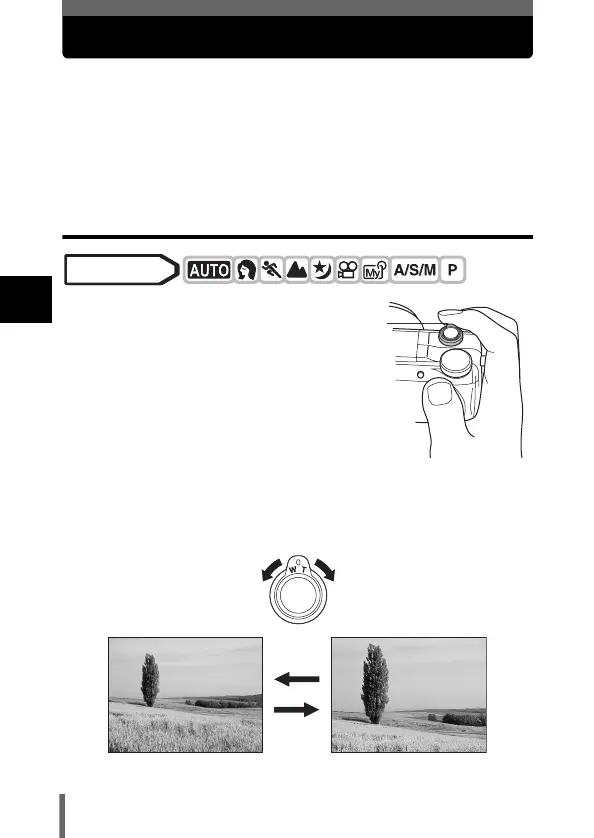
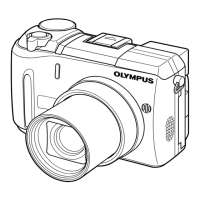
1 Push or pull the zoom
lever.
Mode dial
Zoom lever
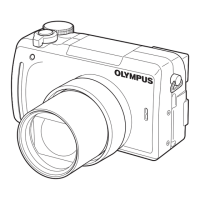
Wide-angle:
Push the zoom lever toward W to
zoom out.
Telephoto:
Pull the zoom lever toward T to
zoom in.




 To Next Page