Turning on/off the power
When the recorder is not being used, turn the power off to reduce battery consumption to a minimum. Even if
the power is turned off, existing data, mode settings, and clock settings will be maintained.
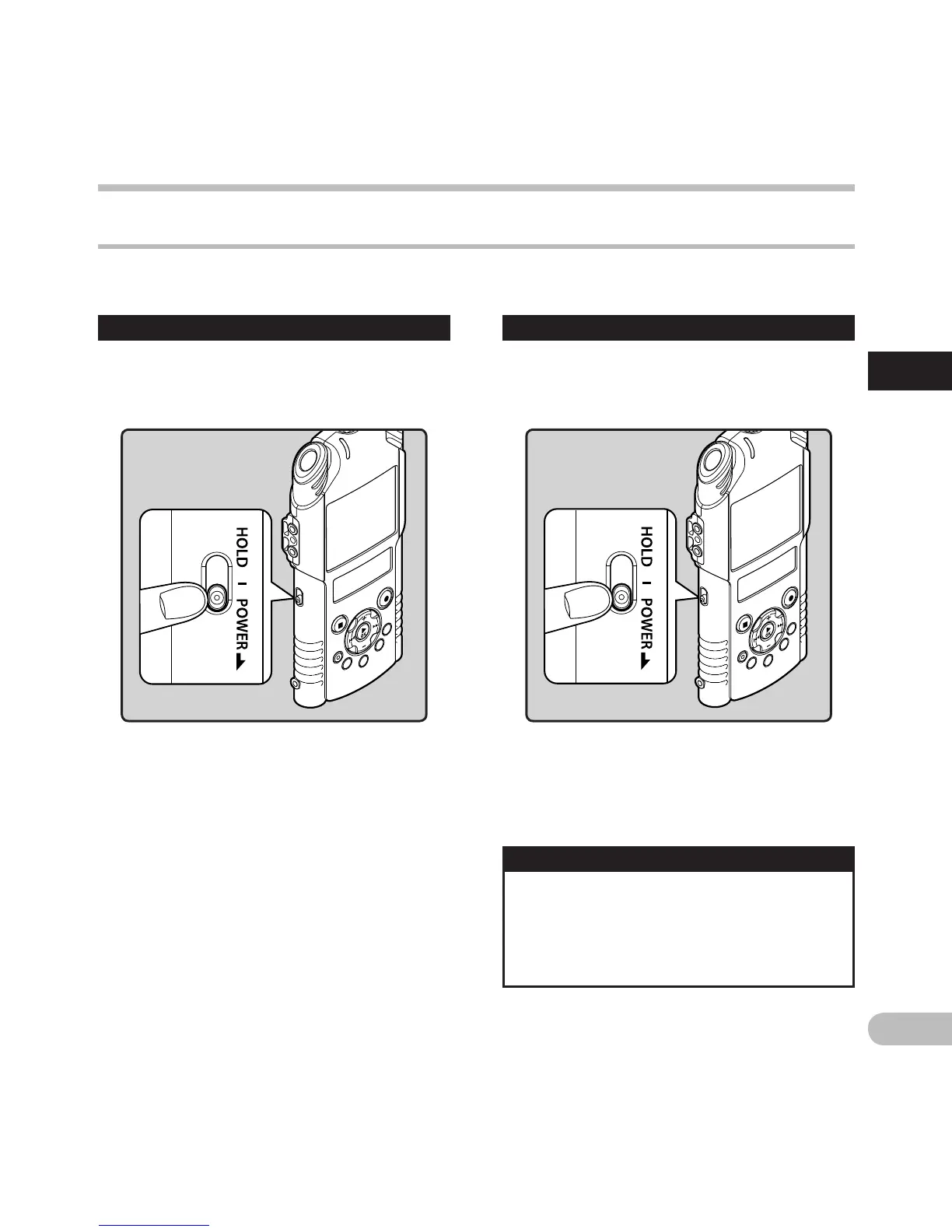
Turning on the power
While the recorder is turned off, slide the
POWER/HOLD switch to the direction of
the arrow.
• The display shuts off, and the power will be
turned off.
•
The resume function remembers the stop
position before the power is turned off.
Auto Power Off mode
Turning off the power
Slide the POWER/HOLD switch to the
direction of the arrow, and hold it for 0.5
seconds or longer.
If the recorder is stopped/not used for over 10
minutes (default) while the power is turned on,
the power will be turned off (☞
P.74).
• To exit Auto Power Off mode , turn on the
power again.
•
The display will turn on, and the power will be
turned on.
Power supply
Power supply



 To Next Page