Erasing A n
Erasing files
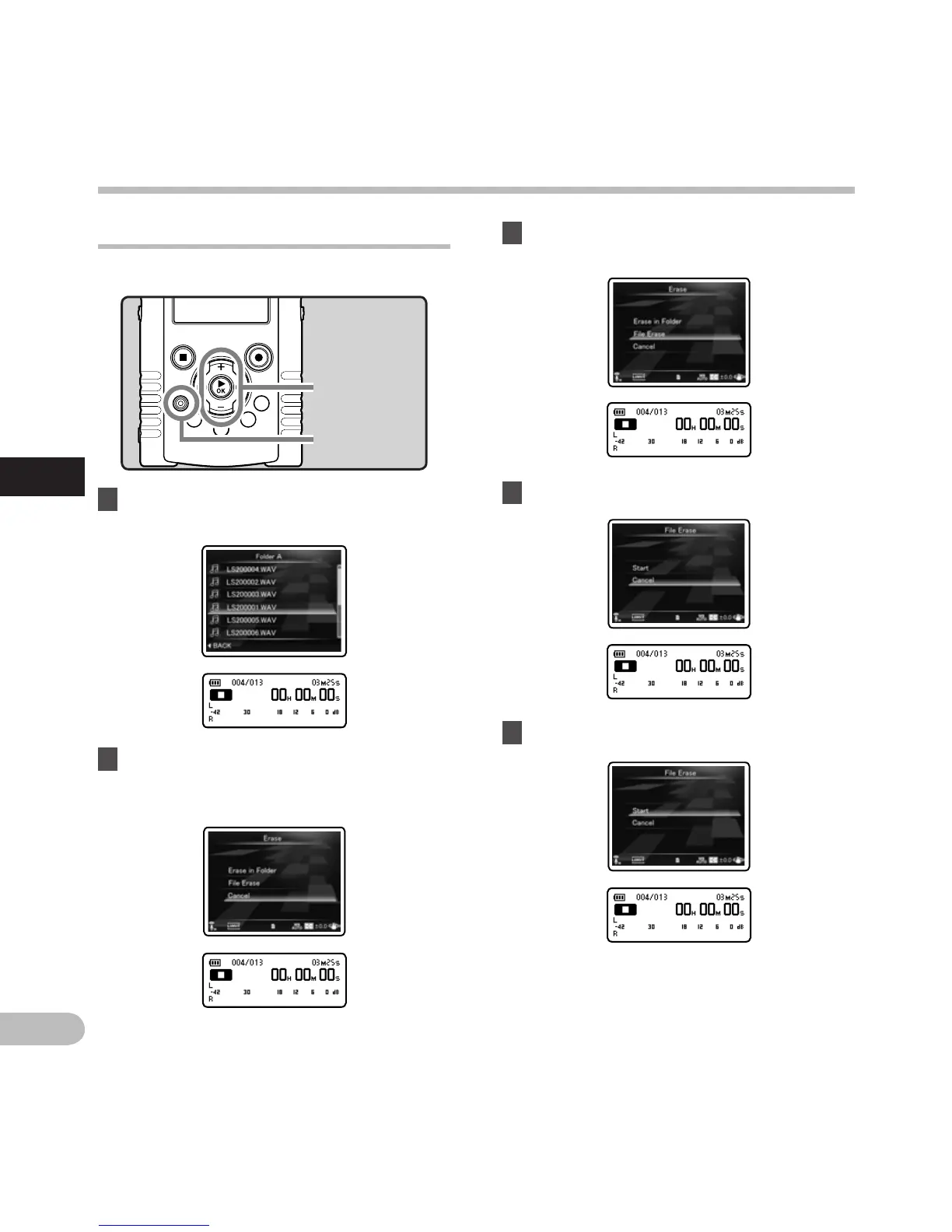
A selected file can be erased from a folder.
1 Select the file you want to erase
(☞ P.32).
3 Press the + or − button to select
[F
ile Erase].
2 While the recorder is during stop mode
in the file list display, press the ERASE
button.
+ − button
`OK button
ERASE button
4 Press the `OK button.
• If an action is not selected within 8 seconds,
the recorder will return to stop mode.
5 Press the + button to select [Start].
Erasing
A
n



 To Next Page