About recording/shooting
Before recording A
Getting Ready
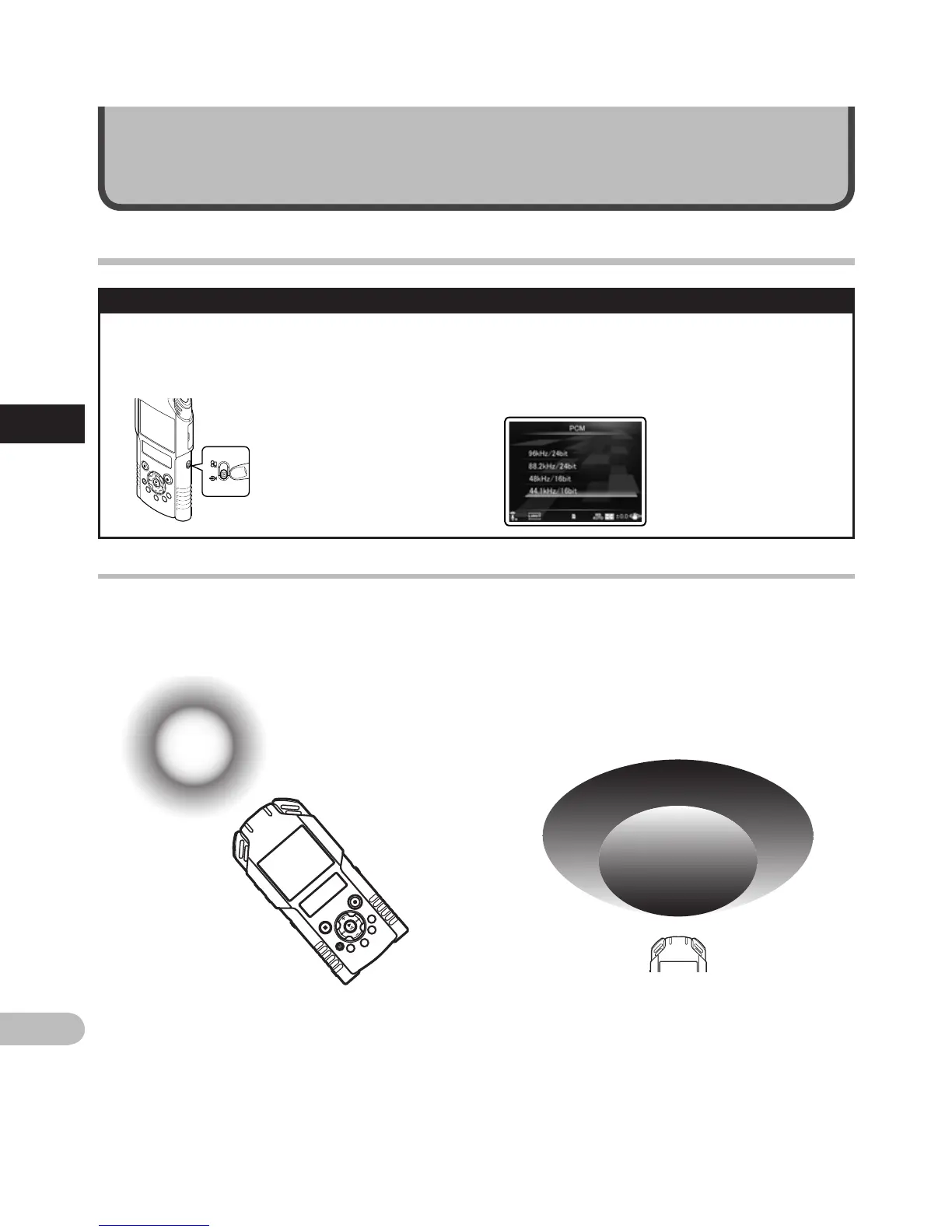
Changing modes:
Slide the mode switch on the recorder to A
(☞
P.33).
Select the recording format:
Recording can be performed through the
linear PCM format, as well as the MP3 formats
(☞
P.65).
Turn the microphone toward the original sound source
Turn the built-in stereo microphone in the direction that you would like to record. Placing the built-in stereo
microphone over the display is the proper position for performing stereo recording. If it is below the display
when recording then proper stereo recording cannot be performed because the position of the original sound
will be recorded in reverse phase.
When recording with the built-in microphone:
Turn the microphone in the direction of the source
to be recorded.
Original
sound
source
L R
Key map
On mounting:
Accurate adjustments of the microphone’s angle
and the like can be made when the device is
affixed to a commercially available tripod used for
cameras.
About the built-in stereo microphone:
The extension of the microphone sensitivity can be
adjusted by changing the [Mic Sense] setting to
[High] or [Low] (☞
P.65).
Before recording
A



 To Next Page