Connecting to your PC
Windows
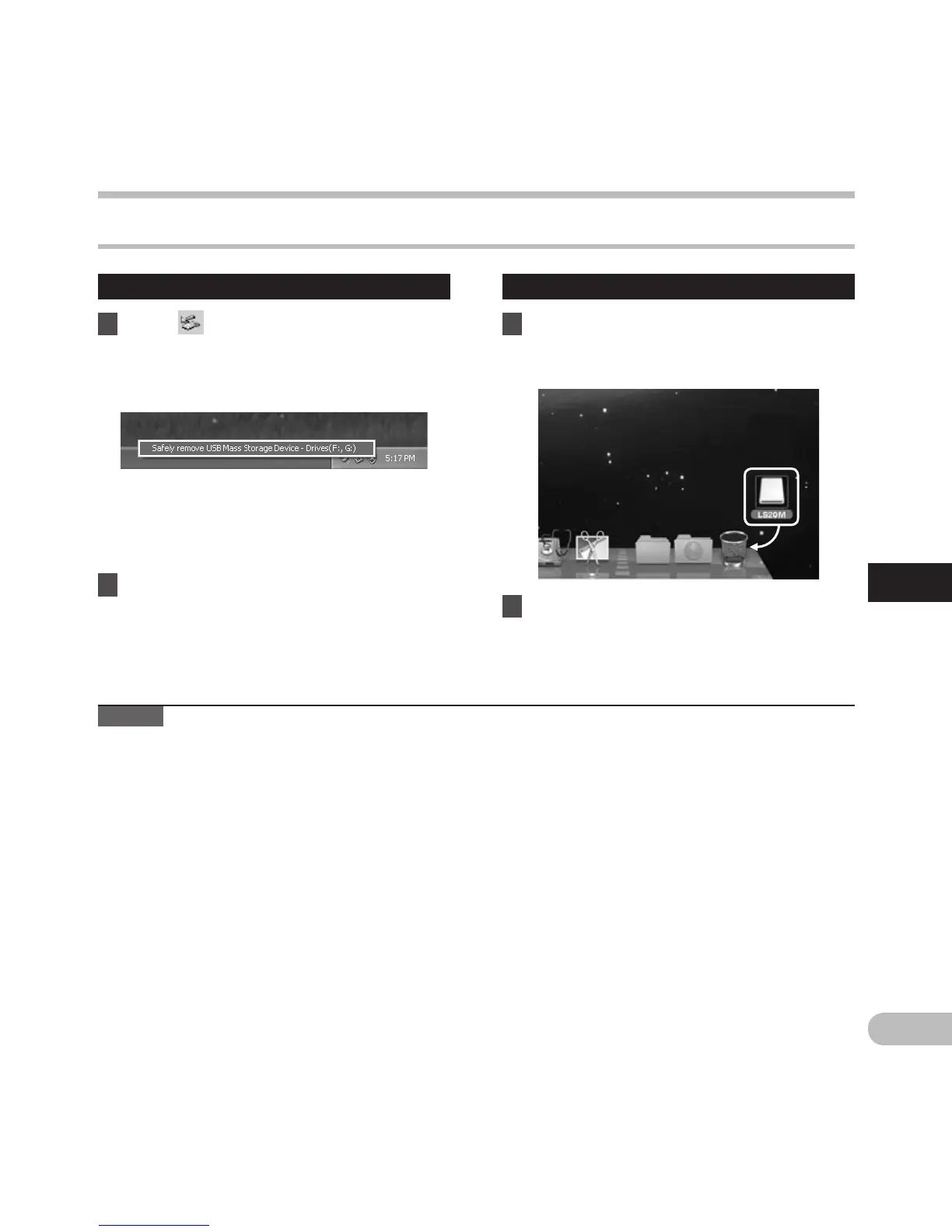
1 Click [ ] on the task bar located at
the lower-right corner of the screen.
Click [Safely remove USB Mass
Storage Device].
Disconnecting from your PC
• The drive letter will differ depending on the
PC being used.
•
When the window indicating that it is safe
to remove hardware window appears, close
the window.
2 Confirm that the recorder PEAK/
LED indicator light is gone before
disconnecting the USB cable.
Macintosh
1 Drag and drop the drive icon for this
recorder displayed on the desktop to
the Recycle Bin icon.
Note
• N
EVER disconnect the USB cable while the PEAK/LED indicator light is flashing. If you do, the data will be
destroyed.
2 Confirm that the recorder PEAK/
LED indicator light is gone before
disconnecting the USB cable.
Connecting to your PC



 To Next Page