Changing the USB class
[USB Settings] A n
Besides setting to [PC] (Connect to PC to transfer
files) or [A
C Adapter] (Connect to AC adapter to
recharge the battery), you can switch the USB class
according to your usage. The [PC Camera] setting
is also included for when you want to use the
recorder as a PC camera (☞
P.95).
[USB Connect]: Setting for connecting to the
PC.
[USB Class]: Setting for USB class.
3 Press the ` OK button.
• If you select [USB Class], proceed to the
operation of Step 6.
1 Select [USB Settings] from the menu
on the [Device Menu].
• For details on how to enter the menu
settings, see “Menu setting method”
(☞
P.63).
2 Press the + or − button to select [USB
Connect] or [USB Class].
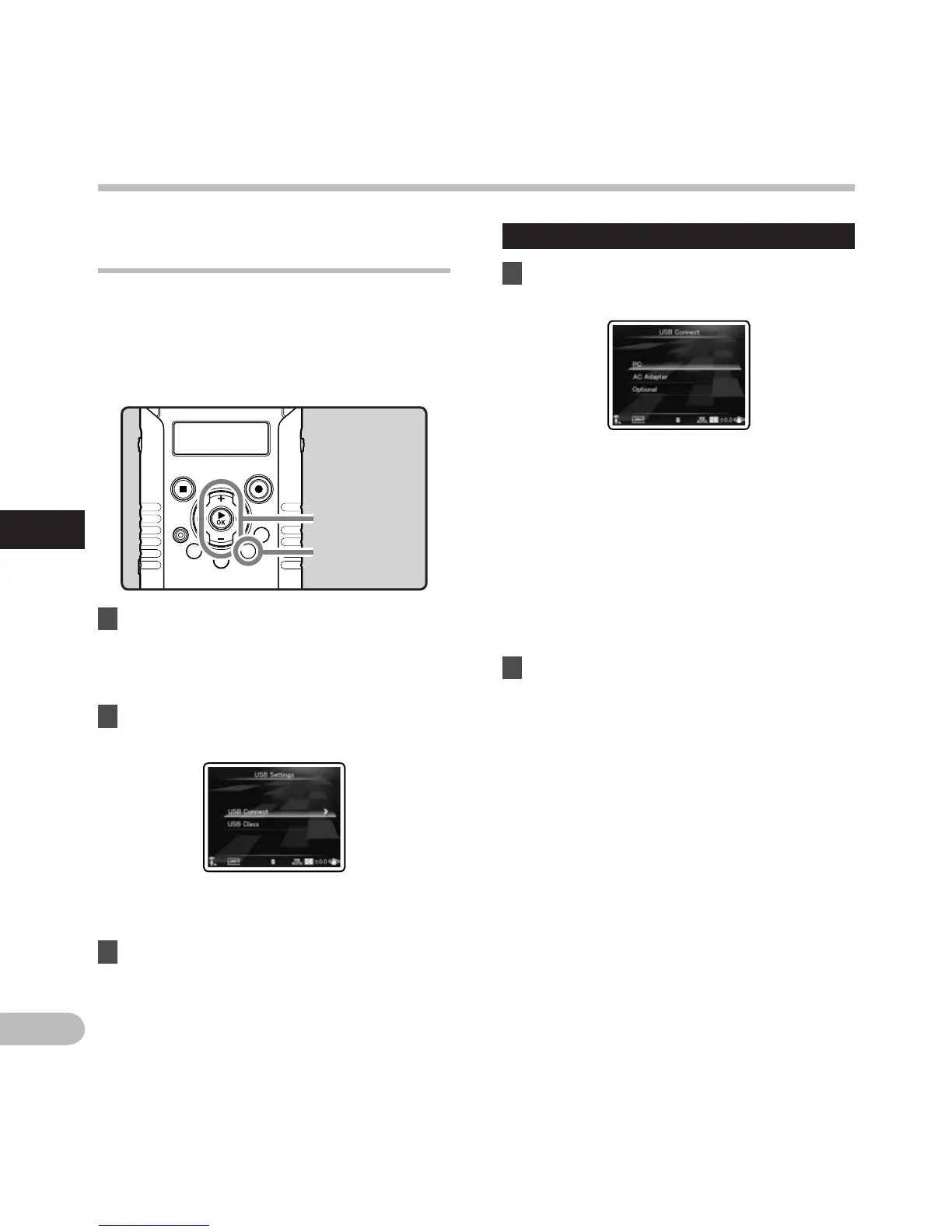
+ − button
`OK button
MENU button
When [USB Connect] is selected:
4 Press the + or − button to change the
setting.
[PC]:
Setting for when the recorder is connected
to the PC and used as a storage device or
composite device. Connected as storage or
composite.
[AC Adapter]:
Setting for when the recorder is connected
to the PC for charging or to the AC Adapter
(F-3AC).
[Optional]:
Setting to confirm the connection method
each time a USB connection is made.
5 Press the ` OK button to complete the
setting.
• If you select [USB Connect], proceed to the
operation of Step 8.
Menu setting method
Menu setting method



 To Next Page