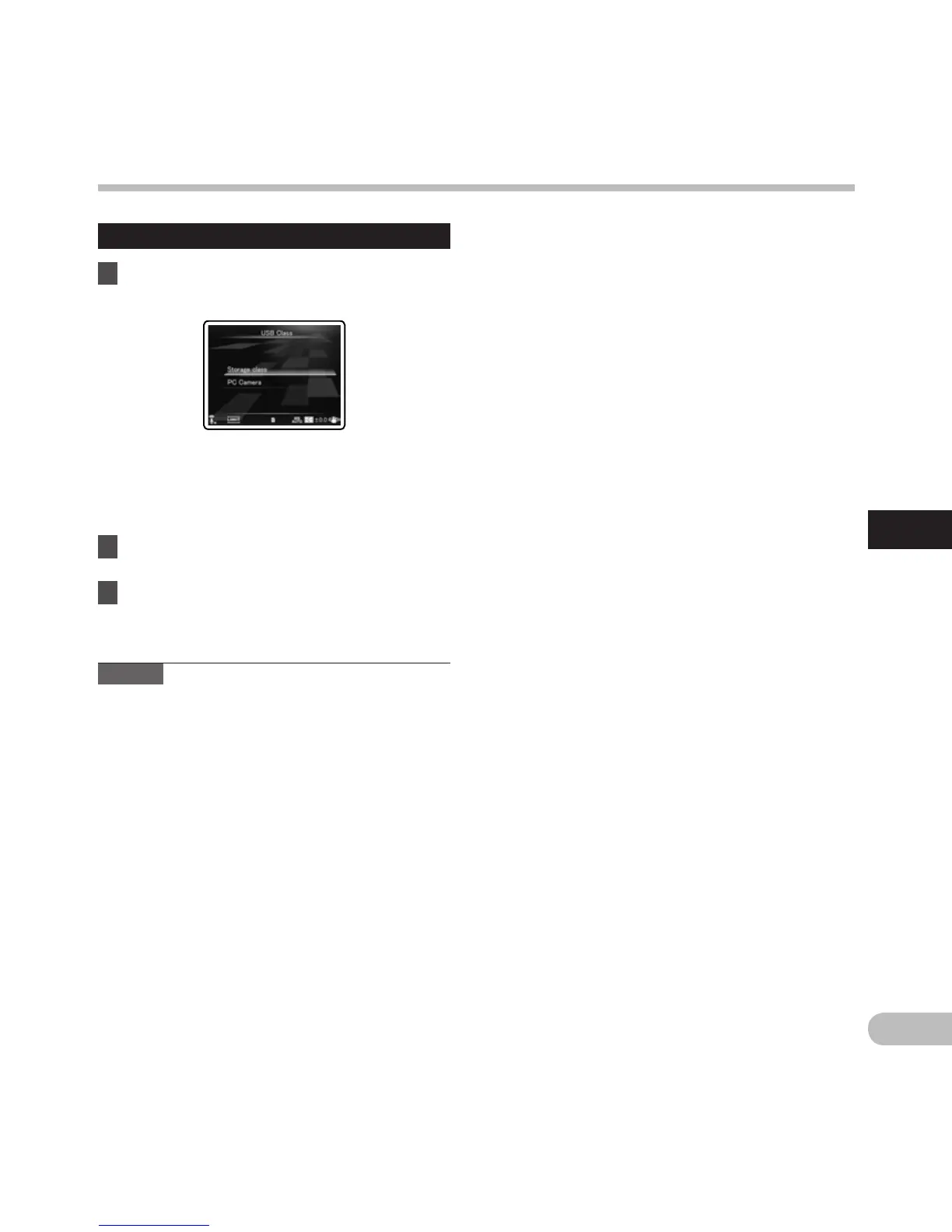
When [USB Class] is selected:
6 Press the + or − button to change the
setting.
[Storage class]:
Recognized as an external memory device
from the PC.
[PC Camera]:
Recognized as a PC camera from the PC.
7 Press the ` OK button to complete the
setting.
8 P
ress the MENU button to close the
menu screen.
Notes
• W
hen you first connect the recorder to your PC
as an external storage device, the driver for the
recorder will be automatically installed in your
PC.
•
The PC cannot recognize when the recorder is
connected to the PC when setting for the [USB
Connect] is set to [AC Adapter].
•
When the recorder is not recognized by the PC
as an external storage device, change the [USB
Class] setting to [Storage class].
•
When [PC Camera] is set, the recorder is not
recognized as an external removable device by
the PC.
Menu setting method
Menu setting method



 To Next Page