Playback A
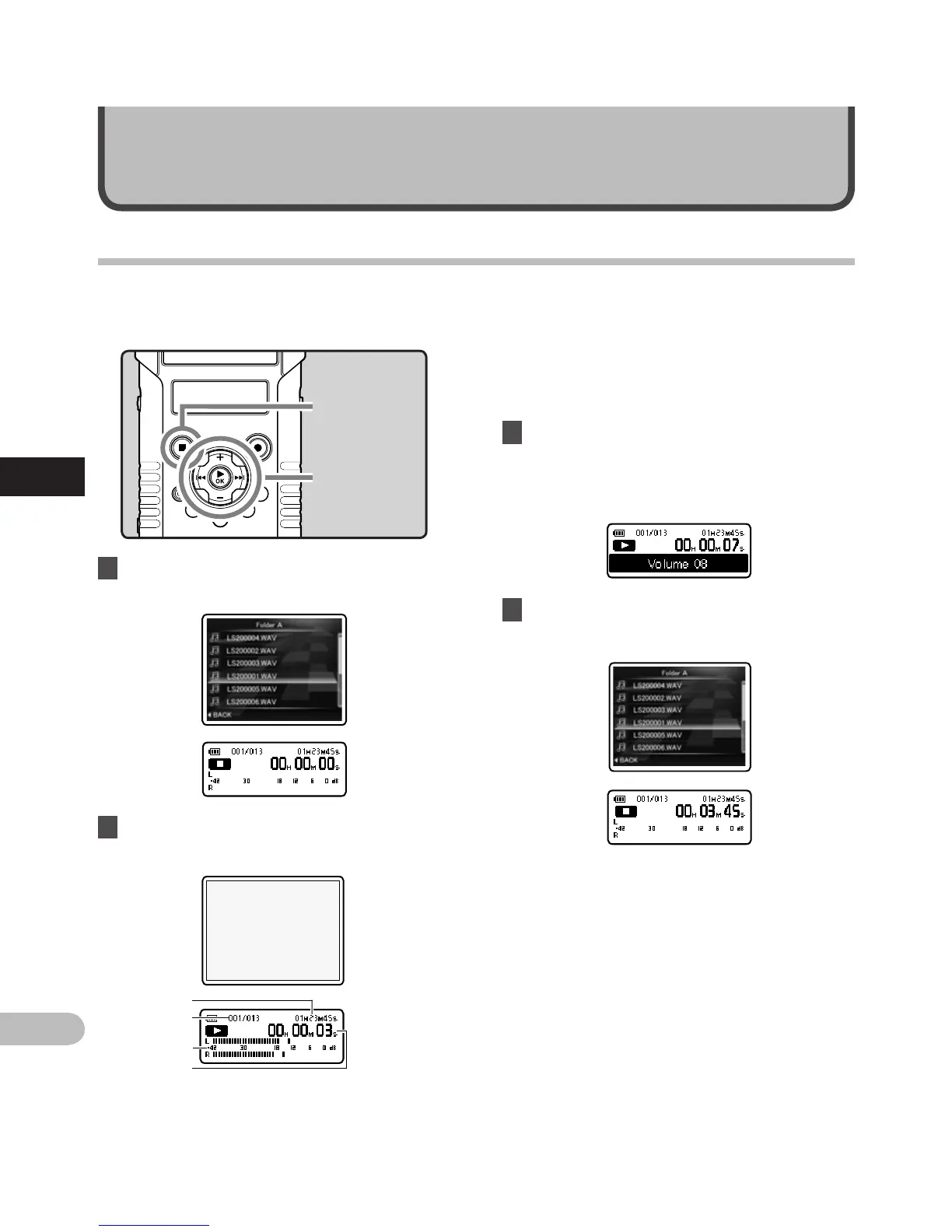
2 Press the `OK button to start
playback.
About playback
1 Select the file to be played back from
the folder which contains it (☞ P.32).
• [•] will appear on the sub LCD.
• When playback starts, the main LCD turns
off.
a F
ile length
b F
ile number
c L
evel meter
d E
lapsed playback time
The recorder can play WAV and MP3 format files. To
playback a file recorded with other machines, you
need to transfer (copy) it from a computer.
+ − button
`OK button
STOP (4) button
3 Press the + or − button to adjust to a
comfortable listening volume.
• The volume can be adjusted within a range
from [00] to [30].
4 Press the STOP (4) button at any point
you want to stop playback.
• [L] will appear on the sub LCD.
• This will stop the file being played back
midway. When the resume function is
activated the stopped location will be
registered, even if the power is turned
off. The next time the power is turned
on, playback may be resumed from the
registered stopped location.
Playback
A



 To Next Page