Recording
A
About recordings in linear PCM format
exceeding 2GB:
The recording will continue even if the volume
of a single file exceeds 2 GB in the linear PCM
format recording.
•
The file is saved every 2 GB in separate files.
It will be treated as multiple files when
playing back.
•
When the recording exceeds 2 GB, the
number of files in the folder may exceed
999 files. The 1000th file and later will not
be recognized by the recorder, so check by
connecting the recorder to a PC.
•
It is possible to record a maximum of 24
hours continuously.
File names will be automatically created for
files recorded by this recorder.
1 User ID:
T
he user ID name that has been set on the
Digital Voice Recorder.
2 F
ile number:
A file number is consecutively assigned.
3 Extension:
T
hese are the file name extensions for the
recording format when recording with
this device.
•
Linear PCM format .WAV
• MP3 format .MP3
Recording A
• We recommend formatting the record media in
the recorder before recording (☞
P.86).
• Pressing once the recording button of the
optional exclusive remote control RS30W
(☞
P.101) will make the recording start
immediately.
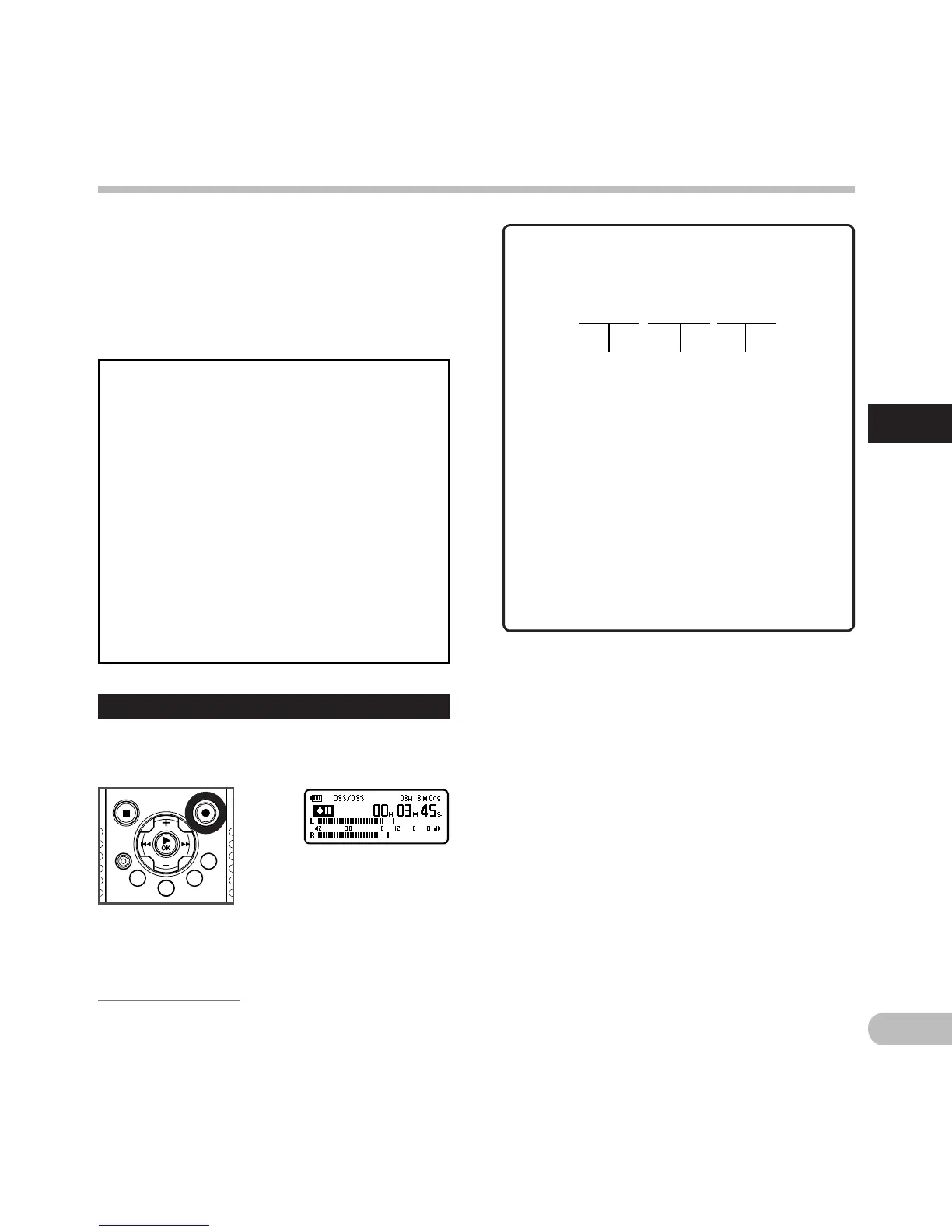
Pause
While the recorder is during recording
mode, press the REC
(s) button.
• [≠] will appear on the sub LCD.
• The recorder will time out after 60 minutes
when left in [Rec Pause].
Resume Recording:
Press the REC (s) button again.
• Recording will resume at the point of
interruption.



 To Next Page