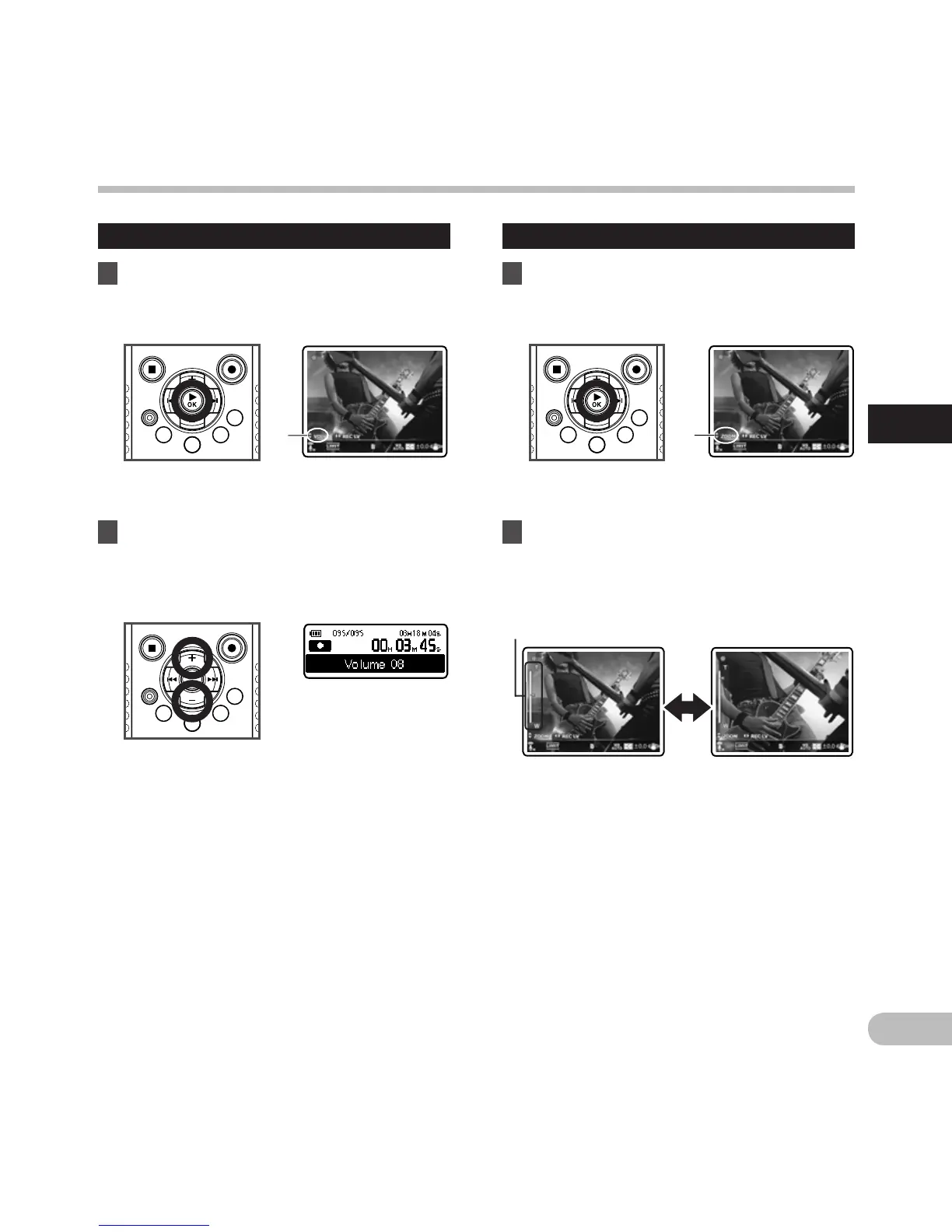
Adjusting the volume
1 Press the `OK button during shooting
to change the function of the + and −
buttons.
a Volume control indicator
2 Press the + or − button to adjust the
volume.
• The volume can be adjusted within a range
from [00] to [30].
Shooting movies
n
Using the zoom
1 Press the `OK button during shooting
to change the function of the + and −
buttons.
a Zoom indicator
2 Press the + or − button during
shooting to adjust the shooting range.
[+]: Switches to telephoto screen.
[−]: Switches to wide angle screen.
•
When you start using the zoom, the zoom
bar is displayed on the main LCD.
Shooting movies n
Zoom bar



 To Next Page