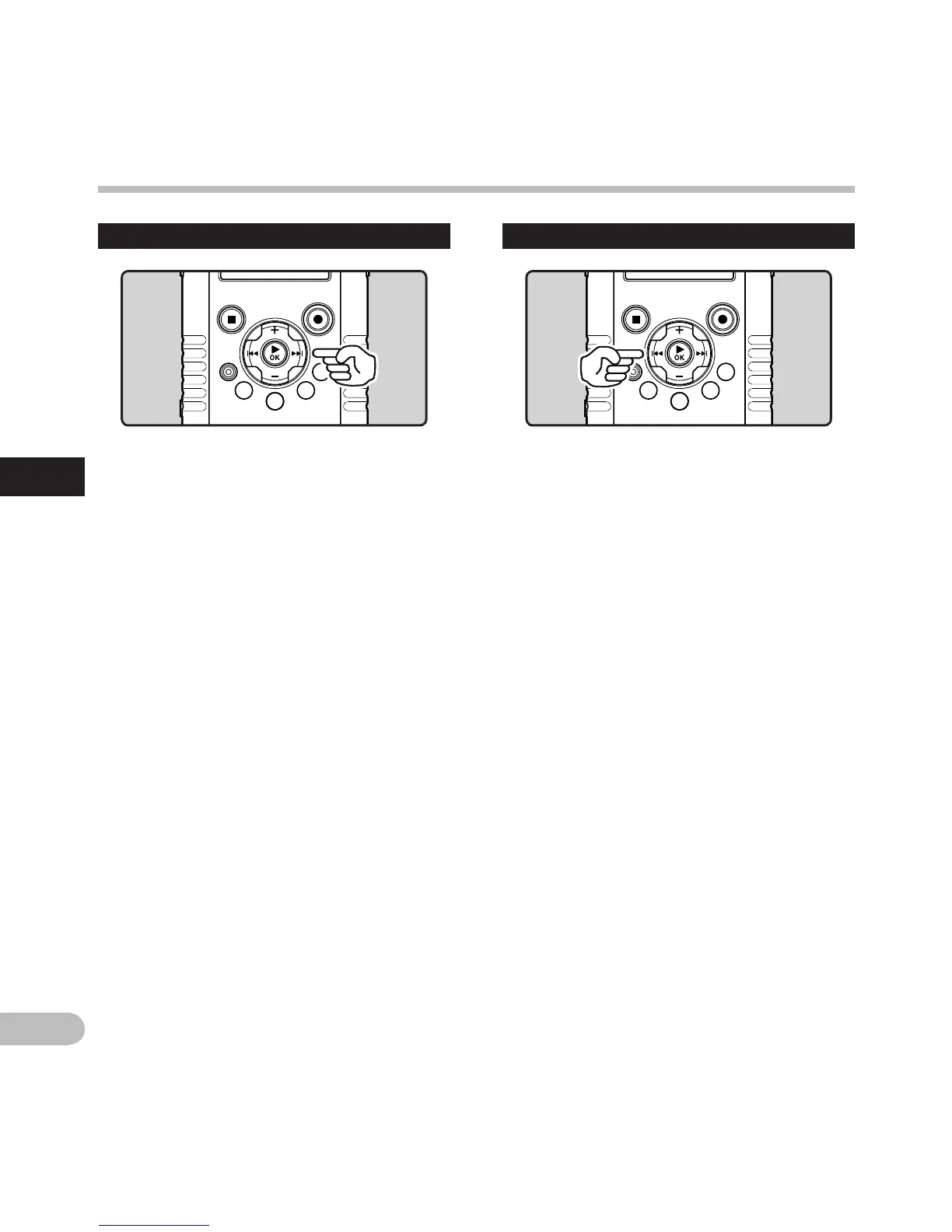
While the recorder is during stop mode in
the file display, press and hold the 9
button.
• [ß] will appear on the sub LCD.
• If you release the 9 button, it will stop. Press
the `OK button to start playback from where it
was stopped.
While the recorder is during playback
mode, press and hold the 9 button.
• When you release the 9 button the recorder
will resume normal playback.
•
The recorder stops when it reaches the end of
the file. Continue pressing the 9 button to
proceed with the cue from the beginning of the
next file.
Forwarding Rewinding
While the recorder is during stop mode in
the file display, press and hold the 0
button.
• [™] will appear on the sub LCD.
• If you release the 0 button, it will stop. Press
the `OK button to start playback from where it
was stopped.
While the recorder is during playback
mode, press and hold the 0 button.
• When you release the 0 button the recorder
will resume normal playback.
•
The recorder stops when it reaches the
beginning of the file. Continue pressing the
0 button to proceed with the review from
the end of the previous file.
Playing movies n
Playing movies
n



 To Next Page