Home
OmniCell
Medical Equipment
ERB
Page 49
OmniCell ERB - Page 49
112 pages
Manual
Save Page as PDF
To Next Page
To Next Page
To Previous Page
To Previous Page
Loading...
© 2011 Omnicell, Inc.
External Return Bin Installation and Service Guide/
67-2038 Rev D
Installation Instructions
2-39
Installation on G3 Cabinets
16.
Place the worksurface back into place, then lock it.
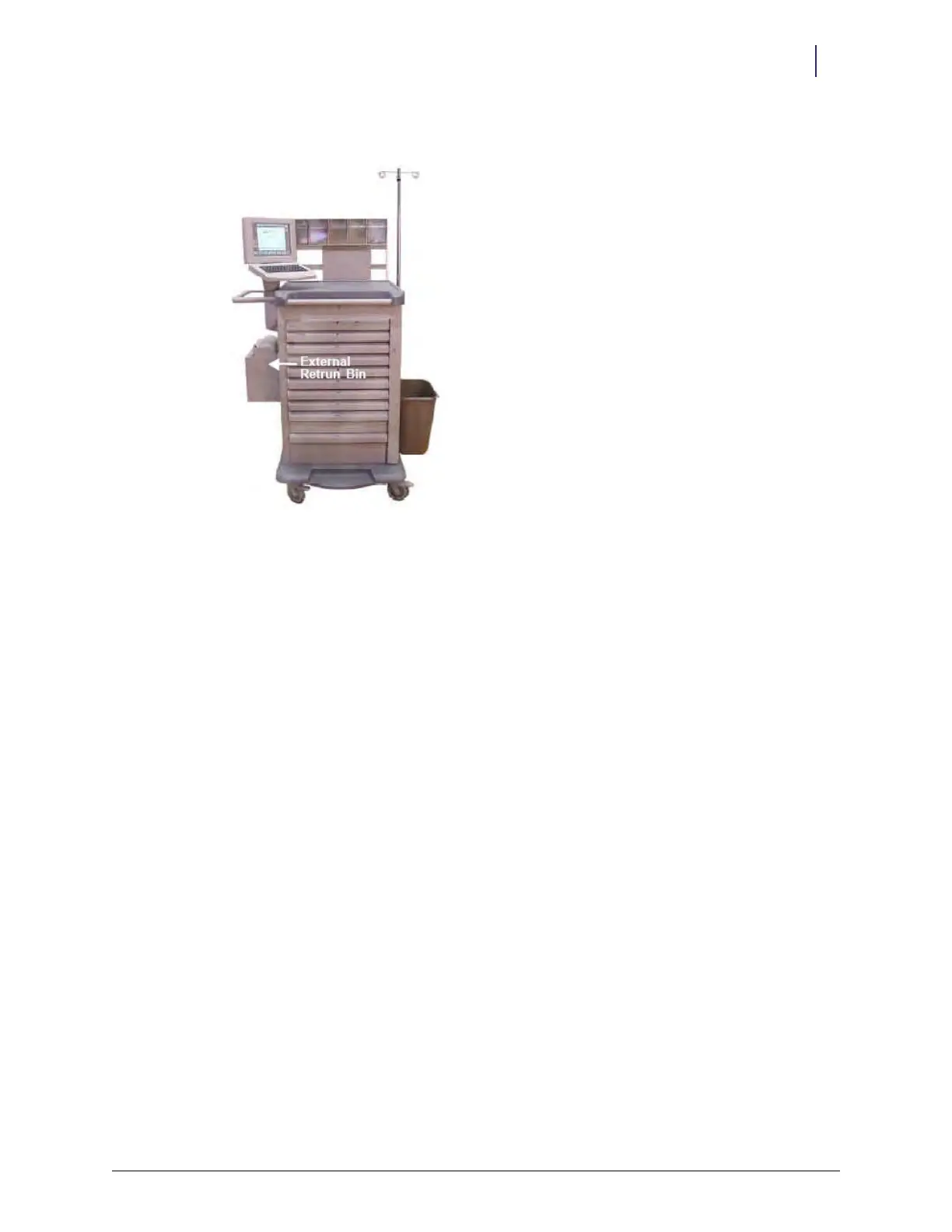
Figure 2-106.
Completed installation
48
50
Table of Contents
Main Page
Table of Contents
3
Overview
5
Software Requirements
5
Software Configuration Options
5
Tools
5
ERB Components
6
Mounting Brackets
6
Omnirx
6
Omnitt
7
Half-Cell Cabinet
7
One-, Two-, and Three-Cell Cabinet
7
Anesthesia Workstation (AWS) G3
8
Anesthesia Workstation (AWS) G4
8
Wall and Table Templates
9
Setup
11
Cable Assembly Configuration
11
Cabinet Preparation
20
Installation on G3 Cabinets
20
Omnitt
20
Attaching the ERB to the Omnitt
20
Cabling for the Omnitt G3
22
Omnirx
27
Attaching the ERB to the Omnirx
27
Cabling for the Omnirx G3
28
Half-Cell
29
Attaching the ERB to the Half-Cell
29
Cabling for the Half-Cell G3
30
One-, Two-, and Three-Cell Cabinets
31
Attaching the ERB to the One-, Two-, and Three-Cell Cabinets
31
Cabling for One-, Two-, and Three-Cell G3 Cabinets
33
Anesthesia Workstation (AWS) G3
36
Attaching the ERB to the AWS G3
36
Cabling for the AWS G3
43
Installation on G3 Cabinets with G4 Console Upgrade
50
Attaching the ERB
50
Cabling for the Omnitt G3 with a G4 Console Upgrade
50
Cabling for the Omnirx G3 with a G4 Console Upgrade
50
Cabling for the Half-Cell G3 with a G4 Console Upgrade
50
Cabling for the One-, Two-, Three Cell with a G4 Console Upgrade
50
Cabling for the Anesthesia Workstation G3 with the G4 Upgrade
51
Installation on G4 Cabinets
55
Attaching the ERB
55
Cabling for the Omnitt G4
56
Cabling for the ERB on the Left Side of the Cabinet
56
Cabling for the ERB on the Right Side of the Cabinet
61
Cabling for the Omnirx G4
64
Cabling for the Half-Cell G4
64
Cabling for the One-, Two-, Three-Cell G4 Cabinets
65
Installing on the Anesthesia Workstation (AWS G4)
68
Attaching the ERB in the Upper Position
68
Attaching the ERB in the Lower Position
70
Cabling for the AWS G4
71
Cabling for the AWS G4 with the ERB Mounted in the Upper Position
71
Cabling for the AWS G4 with the ERB Mounted in the Lower Position
76
Wall or Table Mount
81
Daisy Chains
82
Implementation
87
Power up
87
Configuration and Test
87
Service
89
Preparation
89
Return Door Solenoid
89
Return Door Handle
91
Printed Circuit Board (PCB)
92
Cam Locks
94
Access Door
97
Cable Assembly
100
Appendix A: Parts
101
Part Link Table
101
ERB Kits
105
Index
109
Documentation Feedback
111
Related product manuals
OmniCell OmniRx
52 pages
OmniCell OmniTT
41 pages
OmniCell G4
134 pages



 To Next Page