© 2011 Omnicell, Inc. External Return Bin Installation and Service Guide/67-2038 Rev D
Installation Instructions 2-53
Installation on G4 Cabinets
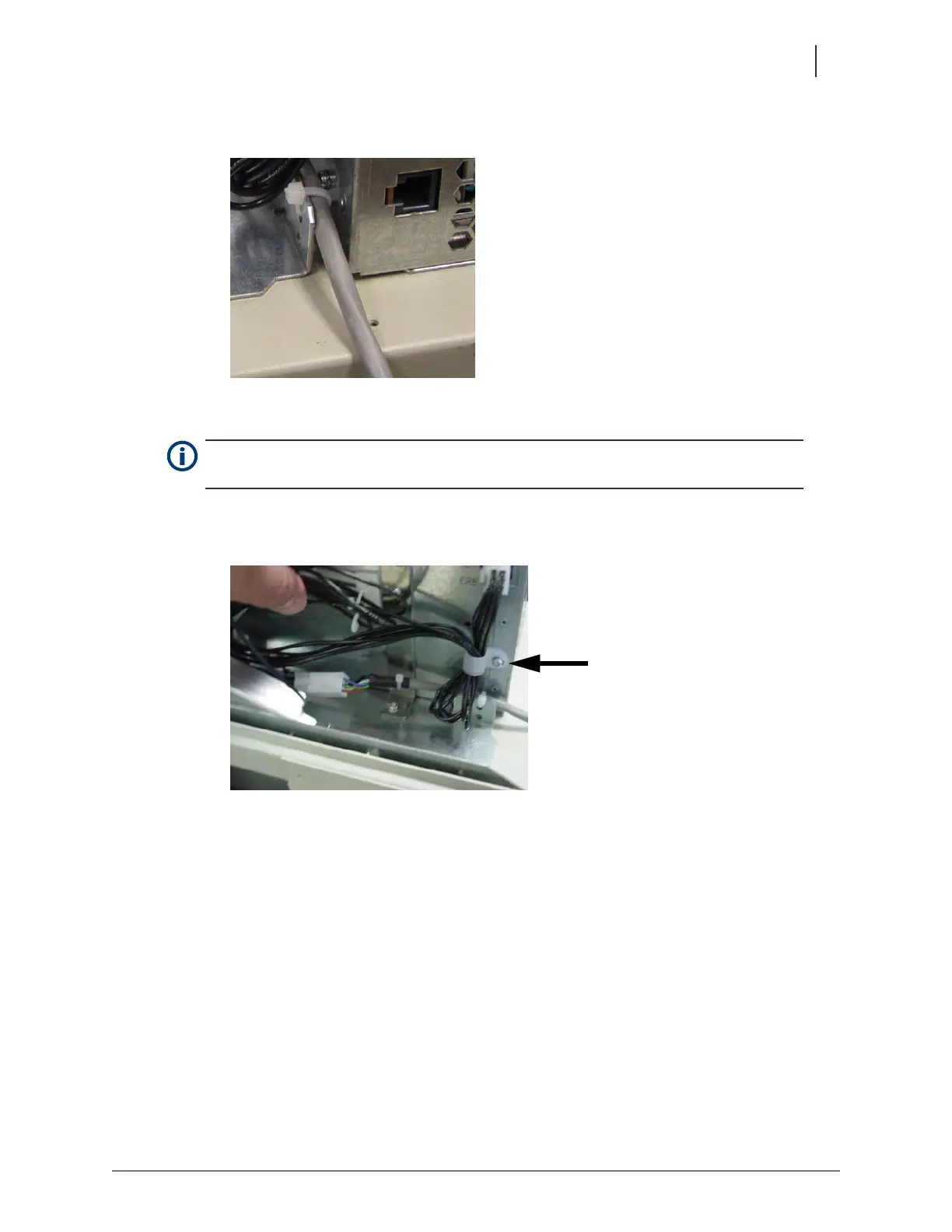
4. Secure the PowerCom cable along the side of the E-box with a cable tie.
Figure 2-131. ERB PowerCom cable secured next to E-box
5. Bundle part of the adapter cable into the P-clip and attach it to the E-box.
This helps to relieve strain on the connector at the E-box.
Figure 2-132. Adapter cable in P-clip
Note: The PowerCom cable must be secured to the sheet metal on the side closest to the E-box to
ensure sufficient clearance when the cover is replaced and locked



 To Next Page