3.2 Heating/cooling control of a chemical reaction device
3-7
Typical Control
Examples
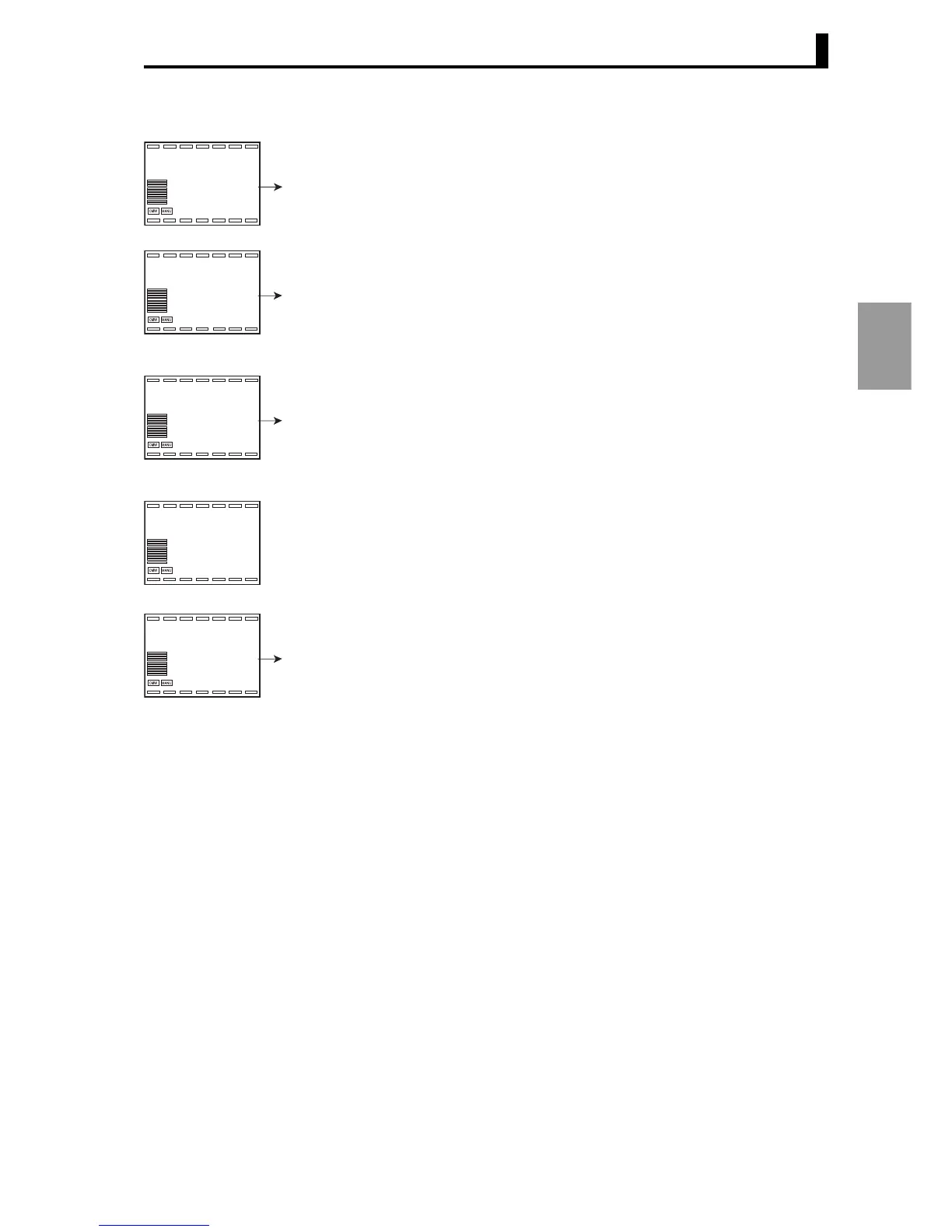
2. Press the L key for less than 1 second to move from "Input initial setting
level" to "Control initial setting level".
3. Press the M repeatedly to select "mode: Control mode". Press the U key
to select "1: Heating/cooling control".
4. Hold down the L key for at least 1 second to return to "RUN level". "PV/
SP/MV" will appear. Press the U key to set the value to "250.0".
5. Press the L key less than 1 second to move from "RUN level" to
"Adjustment level".
6. Press the M repeatedly to select "c-sc: Cooling coefficient". Press the D
key to set the SP to "0.50".
■ Adjustment
To adjust the PID constants, run AT.
For more information, see"4.10 Determining the PID constants (AT,
manual settings)" (P.4-20).
o1-t
l.1
Control initial setting level
Output 1
Output type
1
U
0
mode
0
l.1
Control mode
1
U
23.0
0.0
0.0
RUN level
Present value
(
PV
)
/ SP/
MV
250.0
U
bank
0
l.adj
Adjustment level
c-sc
1.00
l.adj
Cooling coefficien





 To Next Page