Device use
Starting the device
Switch on the device (power switch). If the Emergency Stop was pressed
before, you have to free the emergency stop button first from its fixed position
by pulling it out entirely, because as long as it is fixed you are not able to turn
the power on. The emergency blocking status is indicated by a light in the
center of the front of the device. Emergency blocking status is also indicated
with an alarm signal.
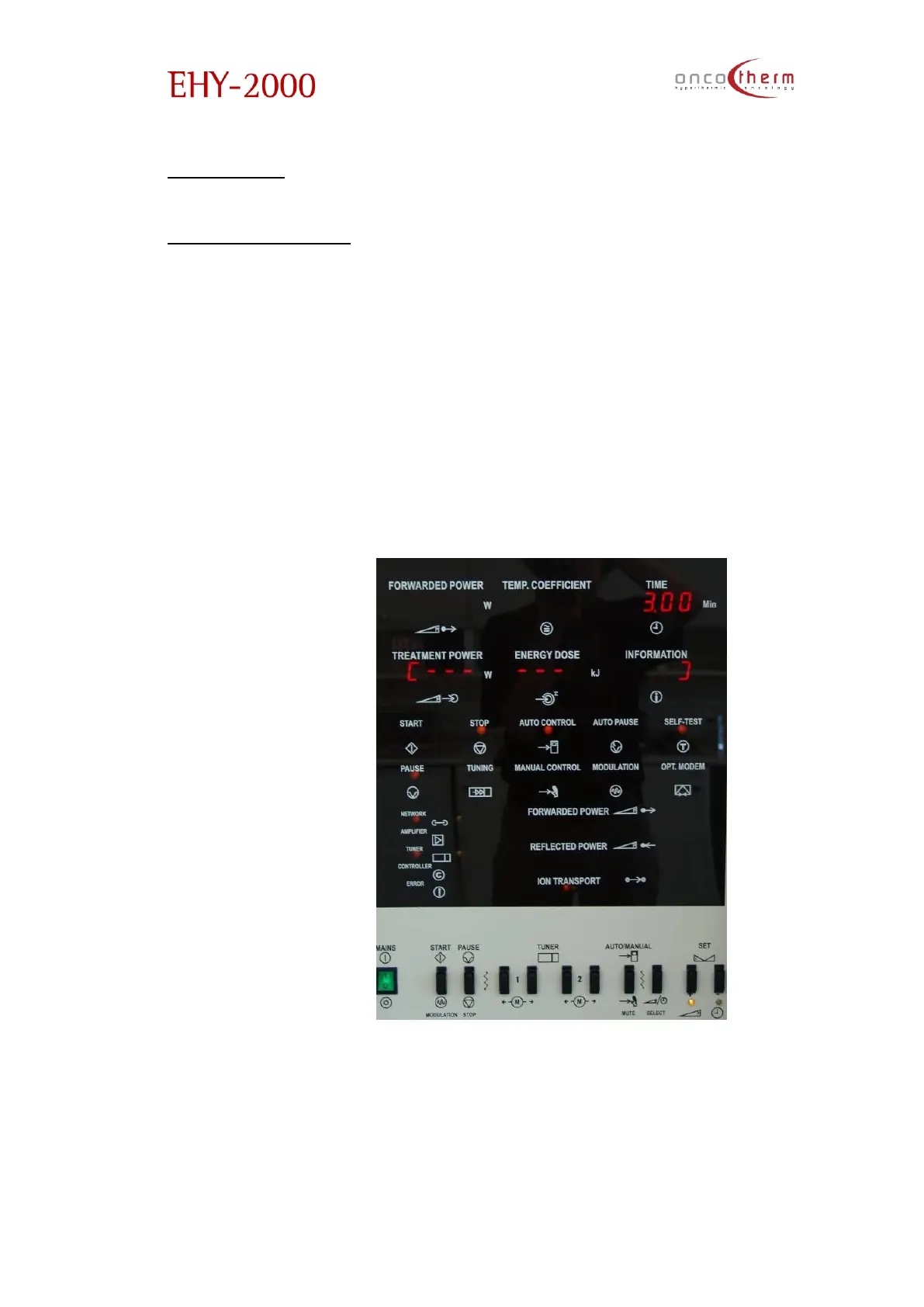
After switching the power on, the machine will start a self-test procedure
and to positionauto-matching to the calibrated start (reference) position.
During the self-test a line can be seen on the displayindicating the progress of
the self-test.
During the self-test procedure the emergency buzzers will give sound
signals (all the three main units must give the signal) for testing purposes. If you
cannot hear these testing sound signals, please report it to the OncoTherm
service team.


 To Next Page