Treatment menu
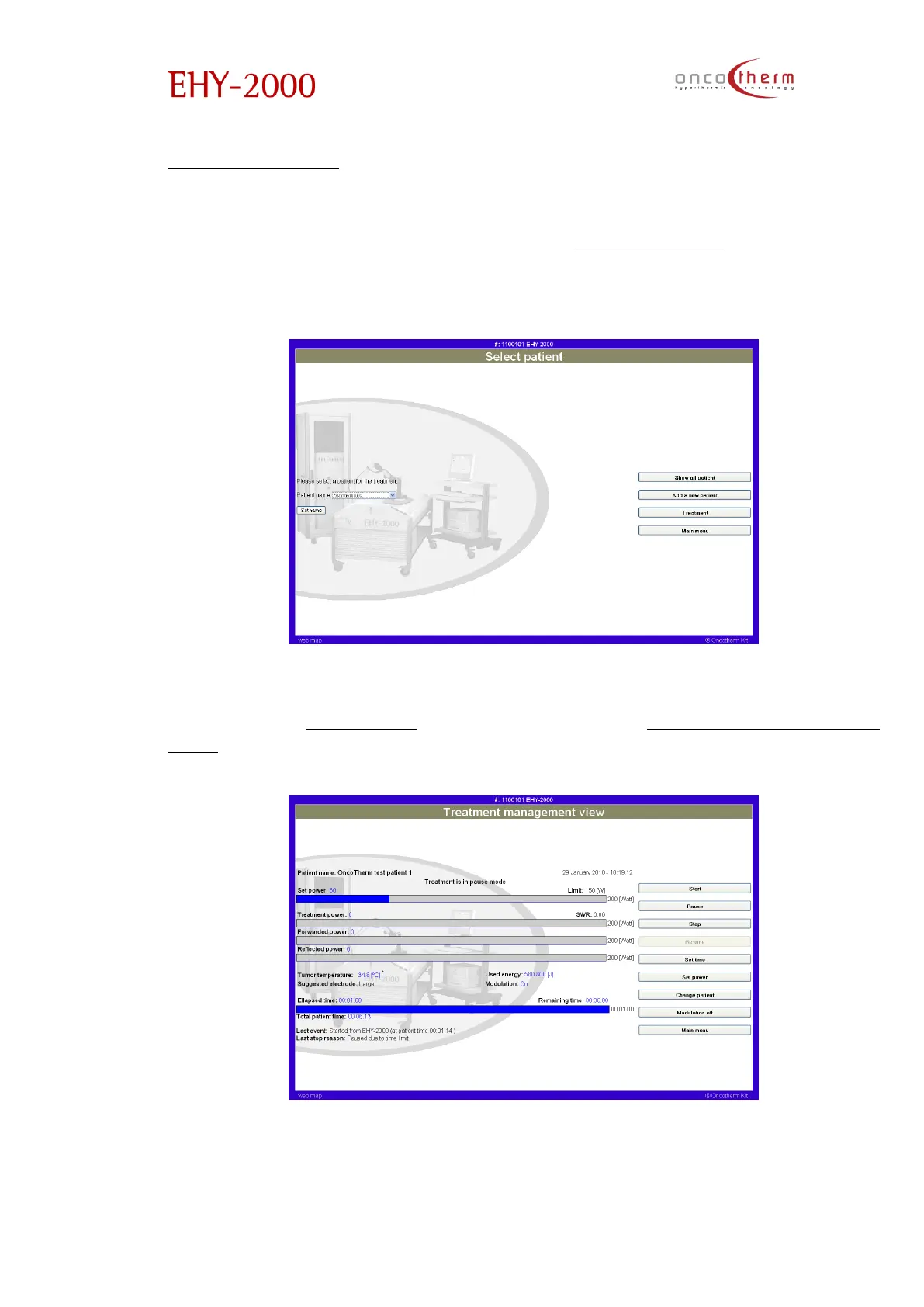
The main function of the Treatment menu is the control of the device. Entering
the treatment menu you will get onto the „Select patient” page. Here the
patient’s name can be set from the predefined list on this screen or add a new
patient (this option leads you to the Patient management menu).
By clicking on the “Set Name” button you can select the patient and by
clicking on the “Treatment” button you will enter the “Treatment management
view” screen.


 To Next Page