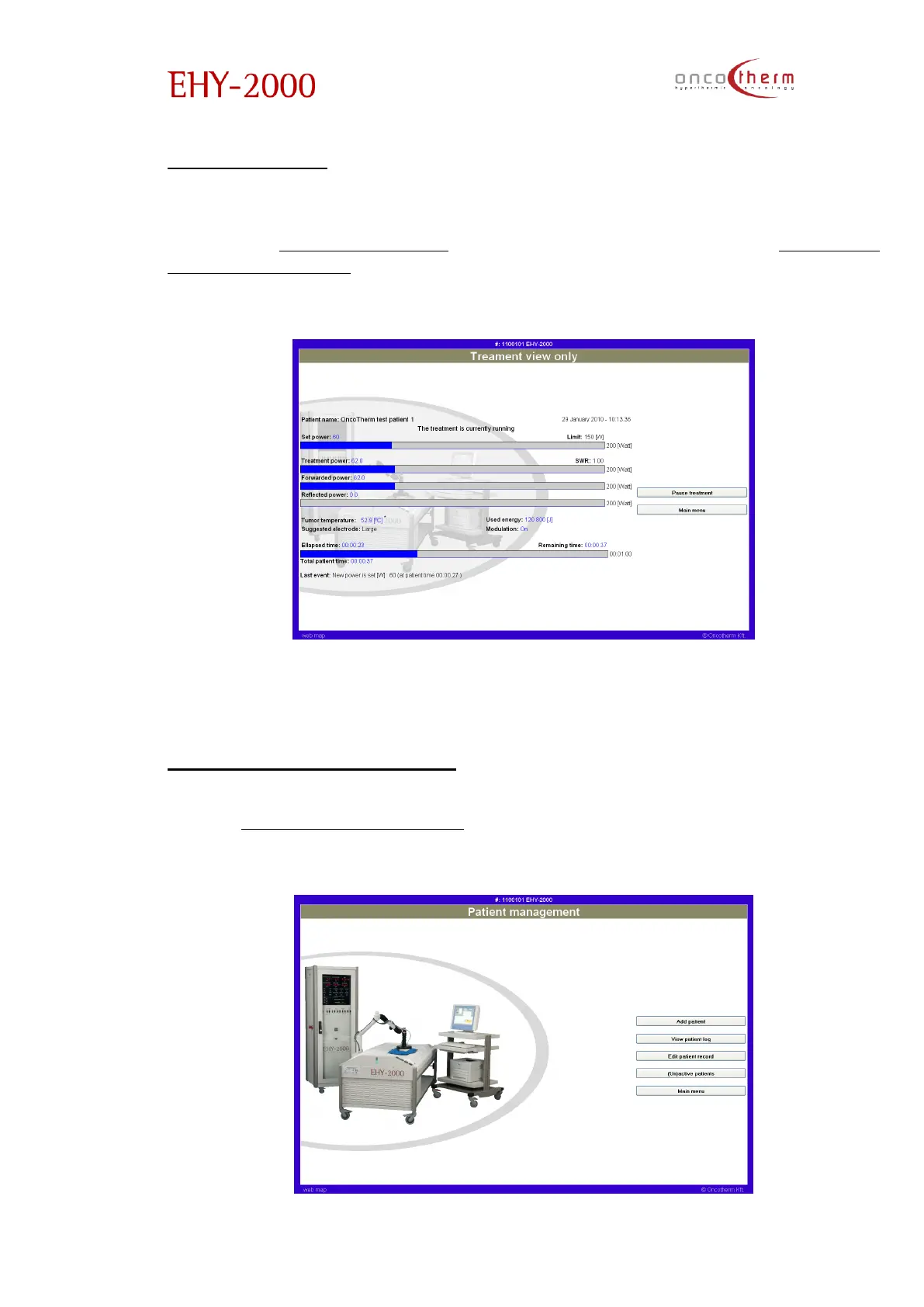
Treatment view
The second option, which you can choose in the main menu, is the treatment
view. The „Treatment view” screen is very similar to the „Treatment
management view”, because you can monitor the same parameters, but the
difference is that you cannot modify the treatment parameters.
This function is useful if there is a central station – beside the physicians’ control
– where all devices can be monitored.
Patient management menu
In the “Patient management” menu all patient relevant tasks can be
performed, like adding new patients, viewing treatment data, etc.


 To Next Page