ONE Technologies
- 39 -
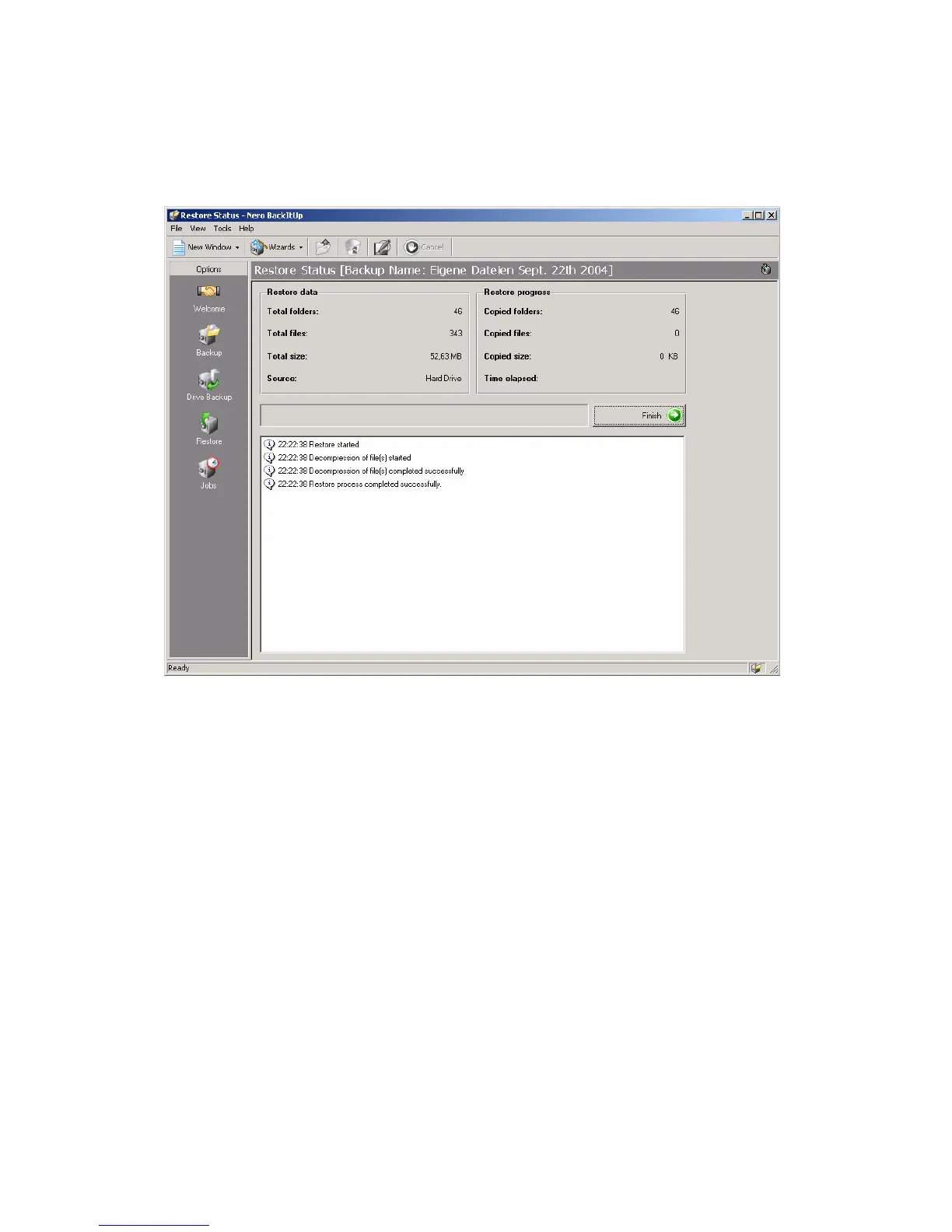
Click on “Finish” to complete the restoring of your data. All files are
now restored to the status as they were at backup time!
Pushing the restore button briefly instead, will open the restore
wizard with all options and settings for manual configuring and
restoring.
ATTENTION: Always use the restore function with
conscientiousness and check all settings before executing a
restore process to avoid loss of data by overwriting new data
with old backup data! Due to this risk, we decided not to let the
restore start by simply pushing the button (like for backup) but
to ask some settings by a shortened version of the wizard to



 To Next Page