EasyManua.ls Logo

ONE Technologies AluDISC Backup - AluDISC External Drives; AluDISC Package Contents; AluDISC Macintosh Installation

Default Icon
133 pages
Print Icon
To Next Page IconTo Next Page
To Previous Page IconTo Previous Page
Loading...
ONE Technologies
- 16 -
4 AluDISC
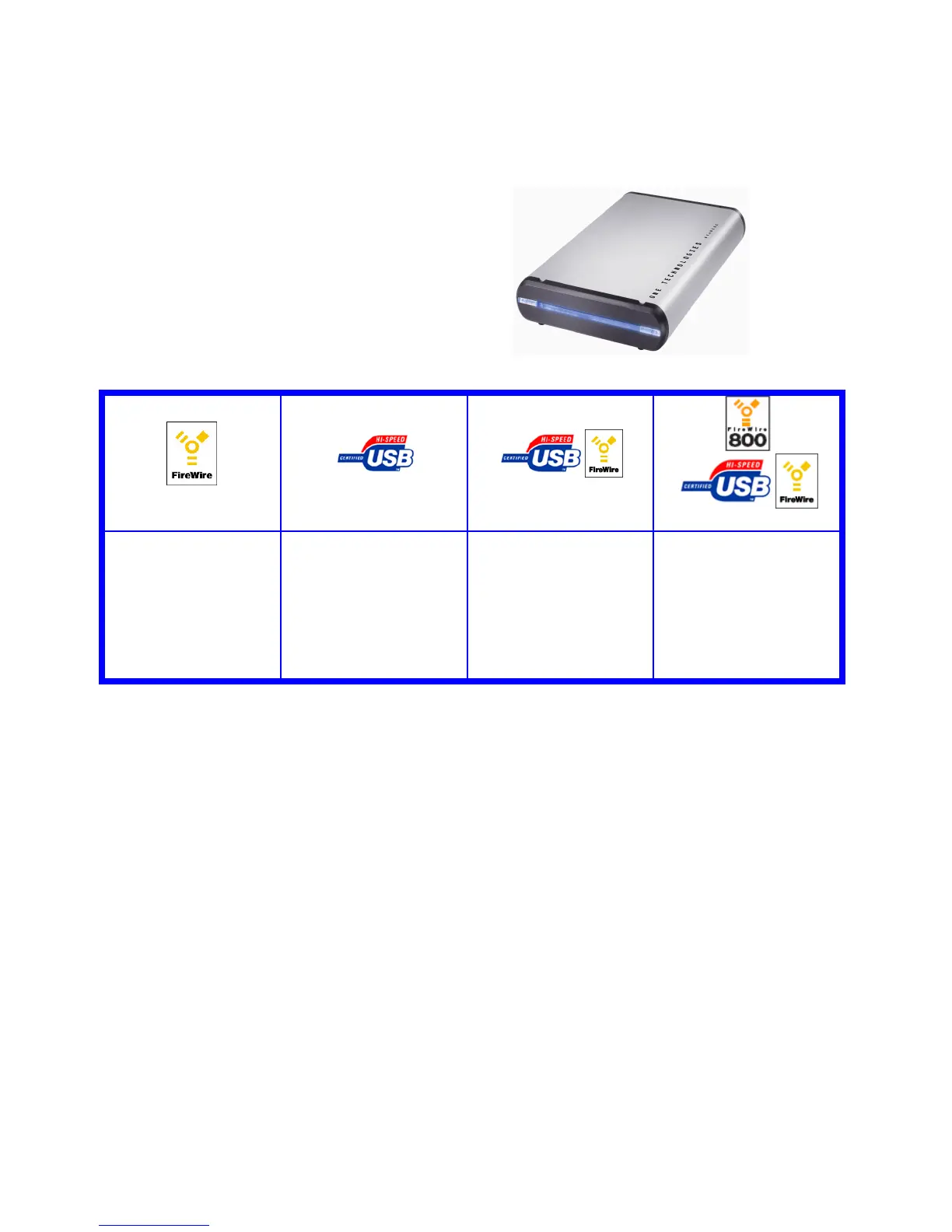
4.1 Package content
4.2 Installation on a Macintosh System
FireWire
Start your computer without having the drive connected! After the
system has been loaded, insert the ONE_ToolsCD in your CDROM
drive and install the FireWire drivers out of the FireWire folder on the
ONE_ToolsCD.
Fire Wire Version
USB Version
Combo Version
Tripple Version
- AluWRITER FireWire
- Power Supply
- FireWire cable
- ONE_ToolsCD
- AluWRITER USB 2.0
- Power Supply
- USB 2.0 cable
- ONE_ToolsCD
- AluWRITER Combo
- Power Supply
- FireWire cable
- USB 2.0 cable
- ONE_ToolsCD
- AluWRITER Tripple
- Power Supply
- FireWire cable
- FireWire 800 cable
- USB 2.0 cable
- ONE_ToolsCD

Table of Contents

Related product manuals