ONE Technologies
- 44 -
6 AluDISC pocket
6.1 Package Content
6.2 Installation on a Macintosh System
FireWire:
Start your computer without having the drive connected! After the
system has been loaded, insert the ONE_ToolsCD in your CDROM
drive and install the FireWire drivers out of the FireWire folder on the
ONE_ToolsCD.
Restart your machine. After the computer has finished the restart,
switch on the FireWire drive and connect it to a free FireWire port.
Your hard drive is now installed and will be shown in the „System
Profiler“ on the FireWire bus. Now your hard drive needs to be
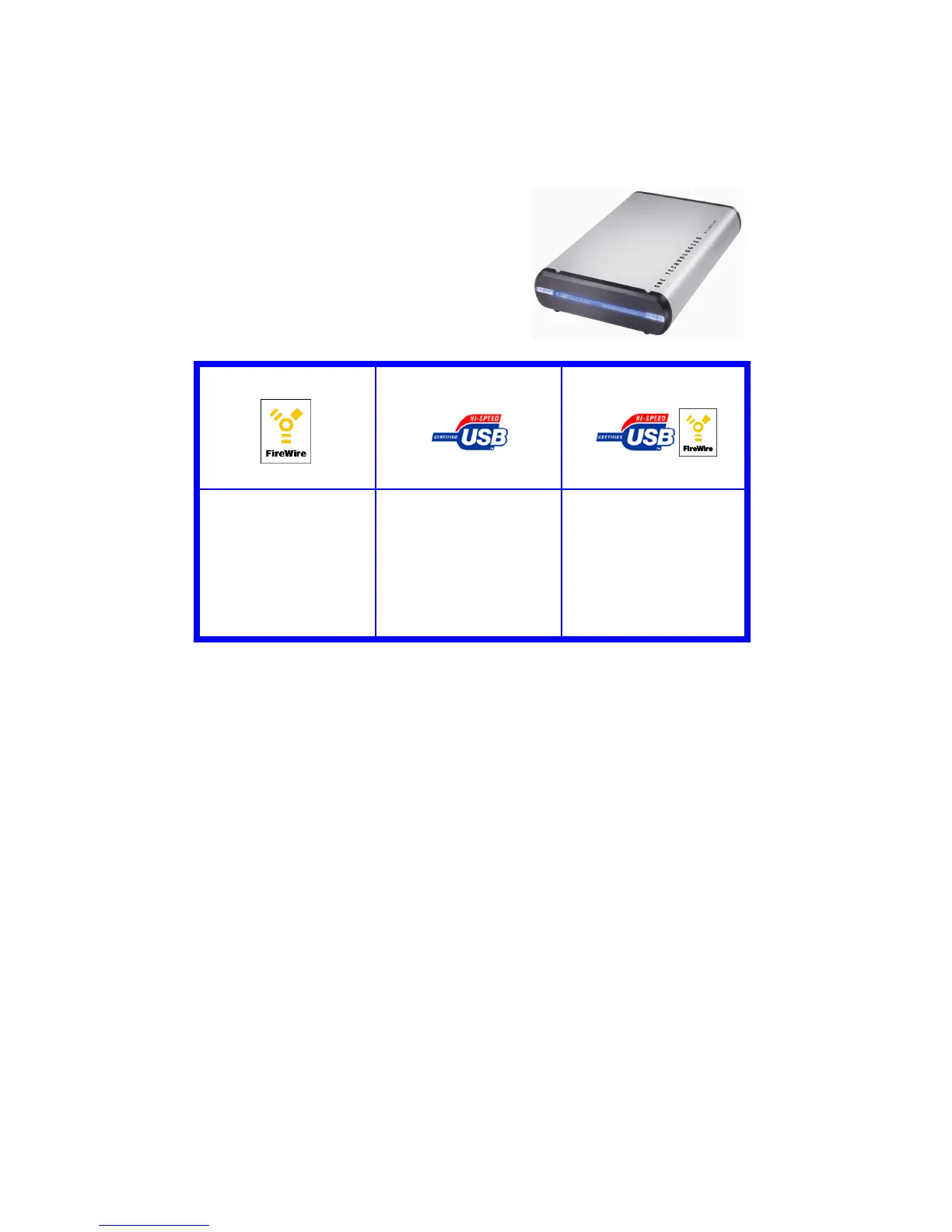
Fire Wire Version
USB Version
Combo Version
- AluWRITER FireWire



 To Next Page