ONE Technologies
- 43 -
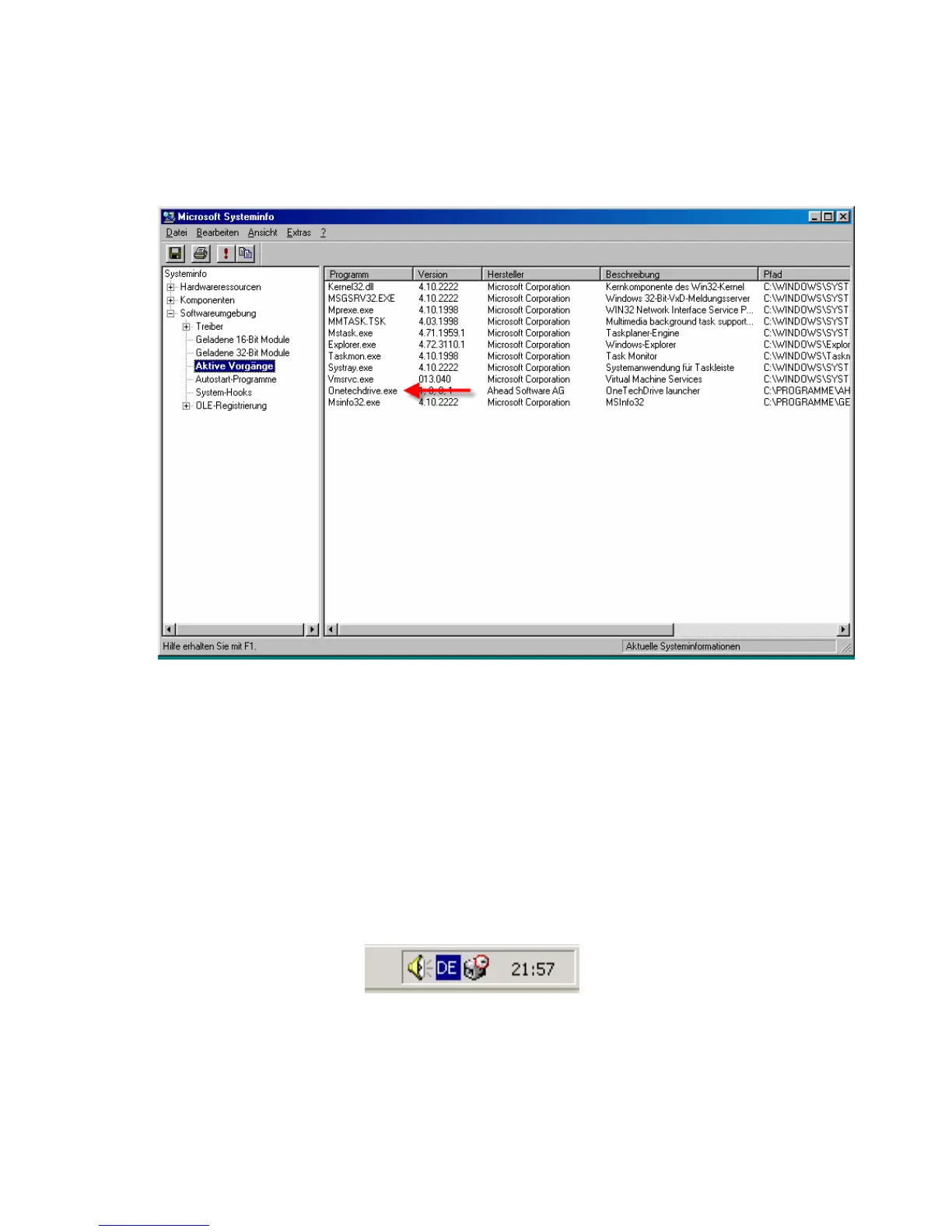
If the “OneTechDrive.exe” process is not active, restart your
computer. It will be loaded at system start. Also, you can start it
manually by double clicking on the OneTechDrive.exe located in the
Nero BackItUp installation folder on your hard disk.
2. The defined backup is not executed when pushing the button
- Check if the backup status is set to “Enable”. Also you should see
the Backup task symbol in the system tray. If this is not the case
start the Nero BackItUp application and set the backup job to
“Enable”.



 To Next Page