ONE Technologies
- 49 -
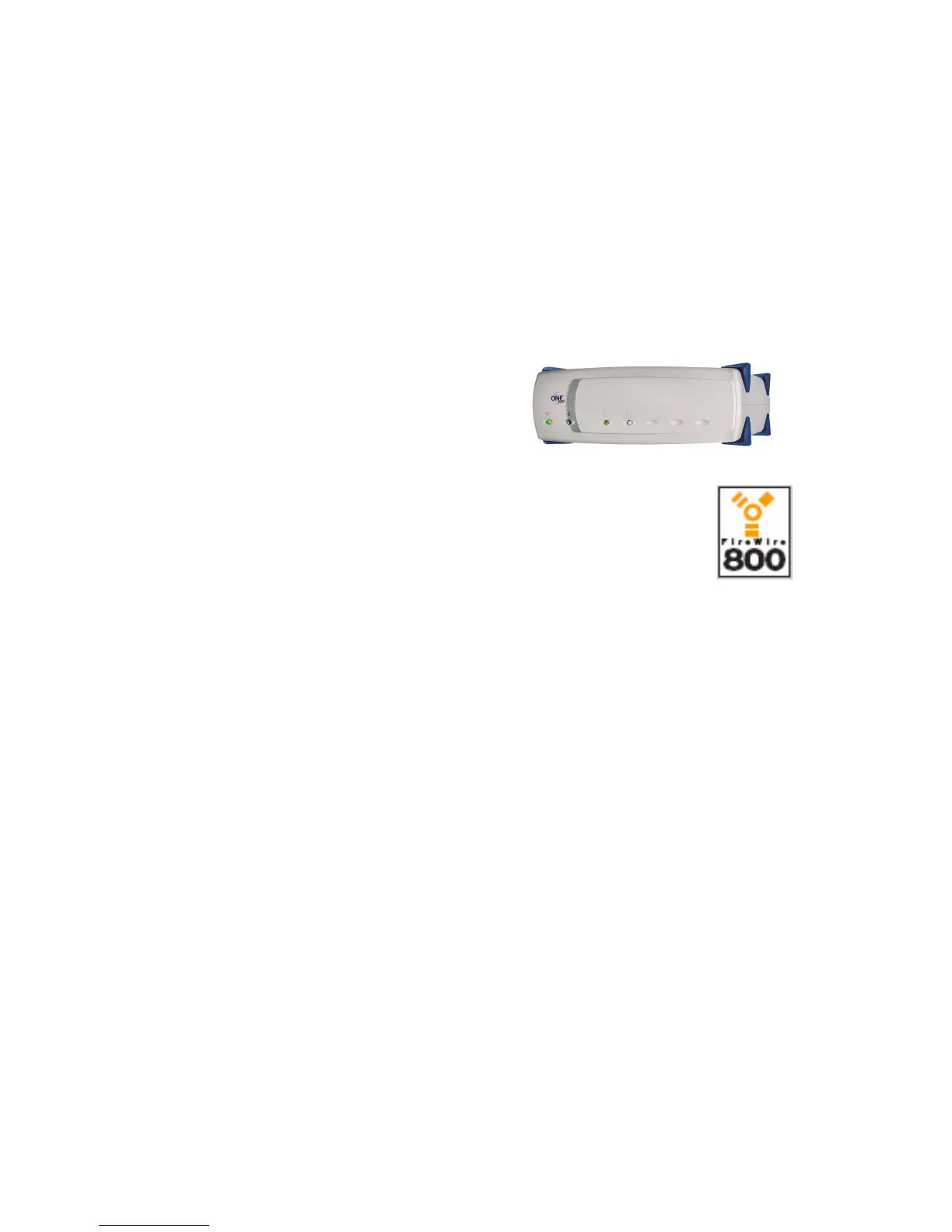
7 ONE Pro XXL Disc²
7.1 Package content
- ONE Pro XXL Disc²
- Power cord
- FireWire Cable
- Connector Plugs
- ONE_ToolsCD
7.2 Installation
Macintosh:
Start your computer without having the drive connected! After the
system has been loaded, insert the ONE_ToolsCD in your CDROM
drive and install the FireWire drivers out of the FireWire folder on the
ONE_ToolsCD.
Restart your machine. After the computer has finished the restart,
switch on the FireWire drive and connect it to a free FireWire port.
Your hard drive is now installed and will be shown in the „System
Profiler“ on the FireWire bus. Now, your hard drive needs to be
initialized. The system will prompt for the initialization right after
connecting the drive for the first time. In some cases the drive will
mount directly without forcing an initialization due to the pre-
initialization in our production progress. Even if this is the case you
should use your configuration utility to initialize the drive! In this case



 To Next Page