ONE Technologies
- 53 -
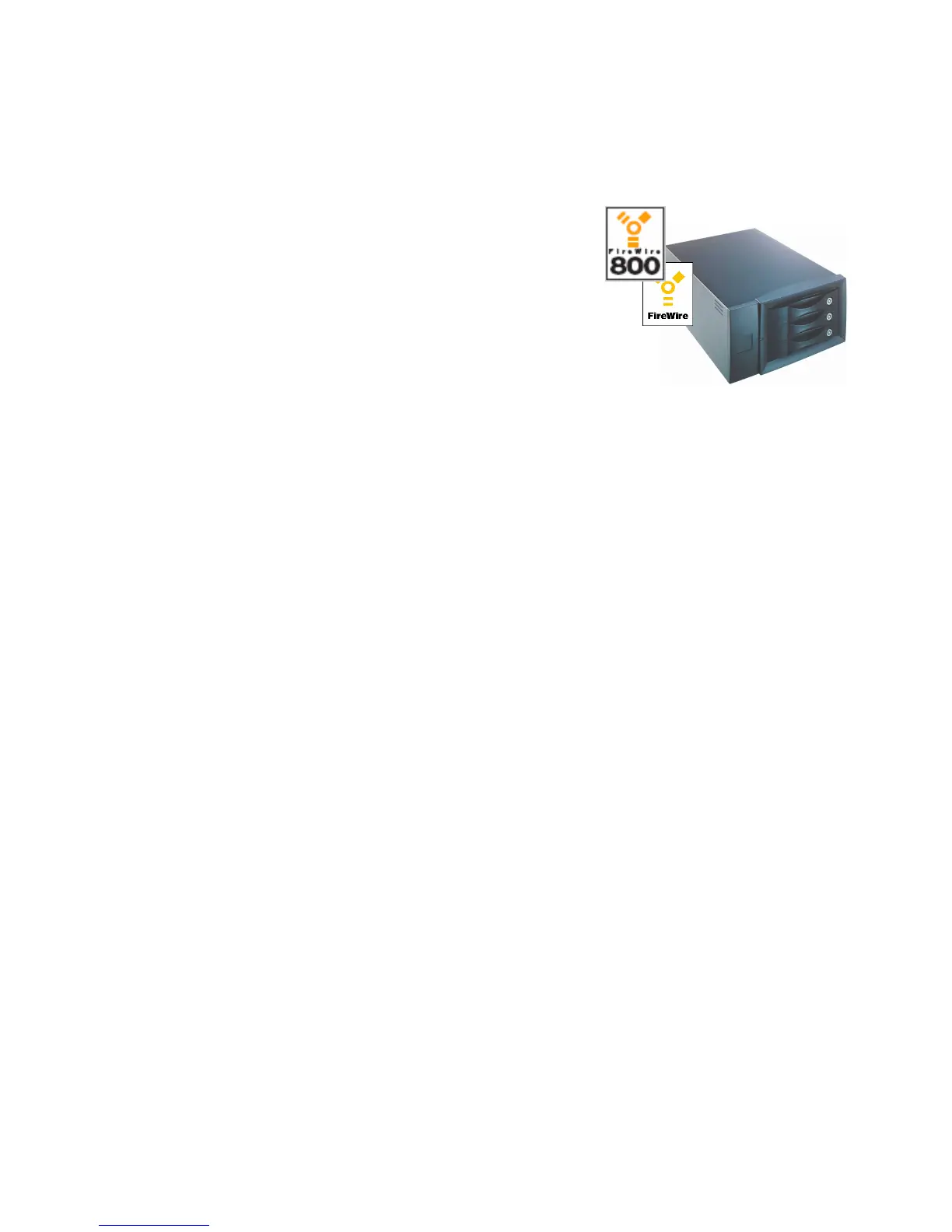
The newest member of the ONE RAID family
is the ONE fireRAID. It is the first plug and
play and easy to use firewire RAID System
from ONE Technologies. It consists of three
IDE harddrives providing full RAID-Level 5
functionality. It can be used on firewire ports under
Macintosh and Windows computers. You do not
have to install expensive SCSI-Controllers. It comes
along in a desktop-sized metalcabinett together with the needed
firewire- and powercable.
The RAIDs (q-, iq-, p-, px-, x- and ix) are different as to the number
of disks, speed and function, but installation is the same on all of
them:
8.3 Installation of ONE RAID Systems (SCSI)
Macintosh:
Switch off your computer. Connect the RAID System to a suitable
current source (110-260 V). Connect your RAID with the included
SCSI cable to the SCSI port of your Macintosh. By default a
D68:HD68 cable is part of the package content. Depending on the
SCSI controller you use, you may have to change the cable to fit the
computer’s SCSI port. Please make sure that the Raid’s ID (default:
ID 6) is not used by any other SCSI device connected to your
system. The internal termination is switched off by default. That
means you have to terminate the RAID tower externally by using the
included active terminator. Just put it on the second port of the RAID
System if there are no more devices to connect. To ensure proper



 To Next Page