ONE Technologies
- 74 -
available capacity 73GB are shown (depending on the model, size
can be different). Mark the available space like shown in the figure.
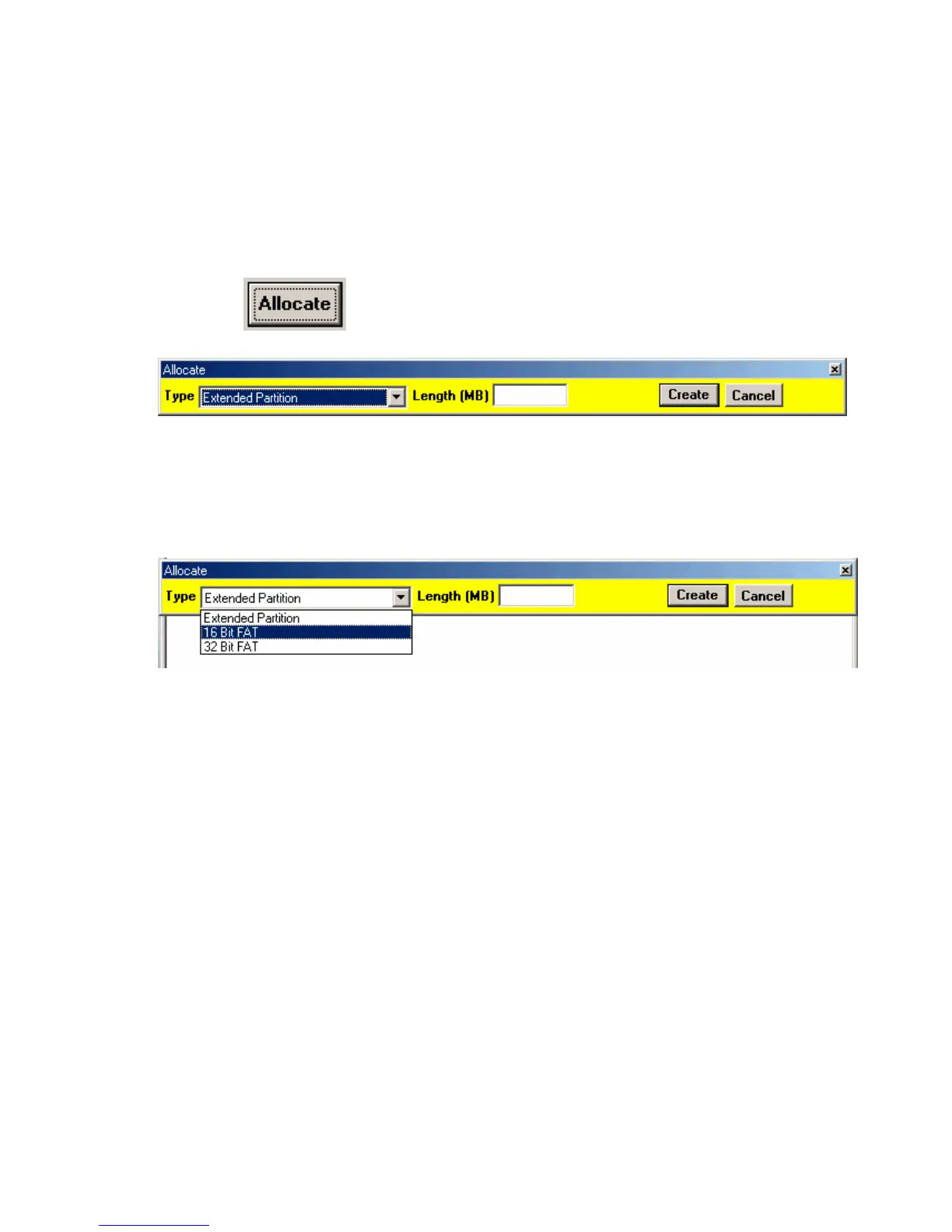
Click on . The following dialogue appears:
Choose the desired type and enter the size (length) of the new
partition you want to create.
Choose the type corresponding to your operation system. Keep in
mind that 16 Bit FAT supports only 4GB maximum size. If you want
to use bigger sizes, choose 32Bit FAT (FAT32). Enter the desired
size of the new partition in MB (50000 = 50 GB). Leave the field
empty if you want to use the whole capacity.
Confirm your changes with „Create“.



 To Next Page