ONE Technologies
- 78 -
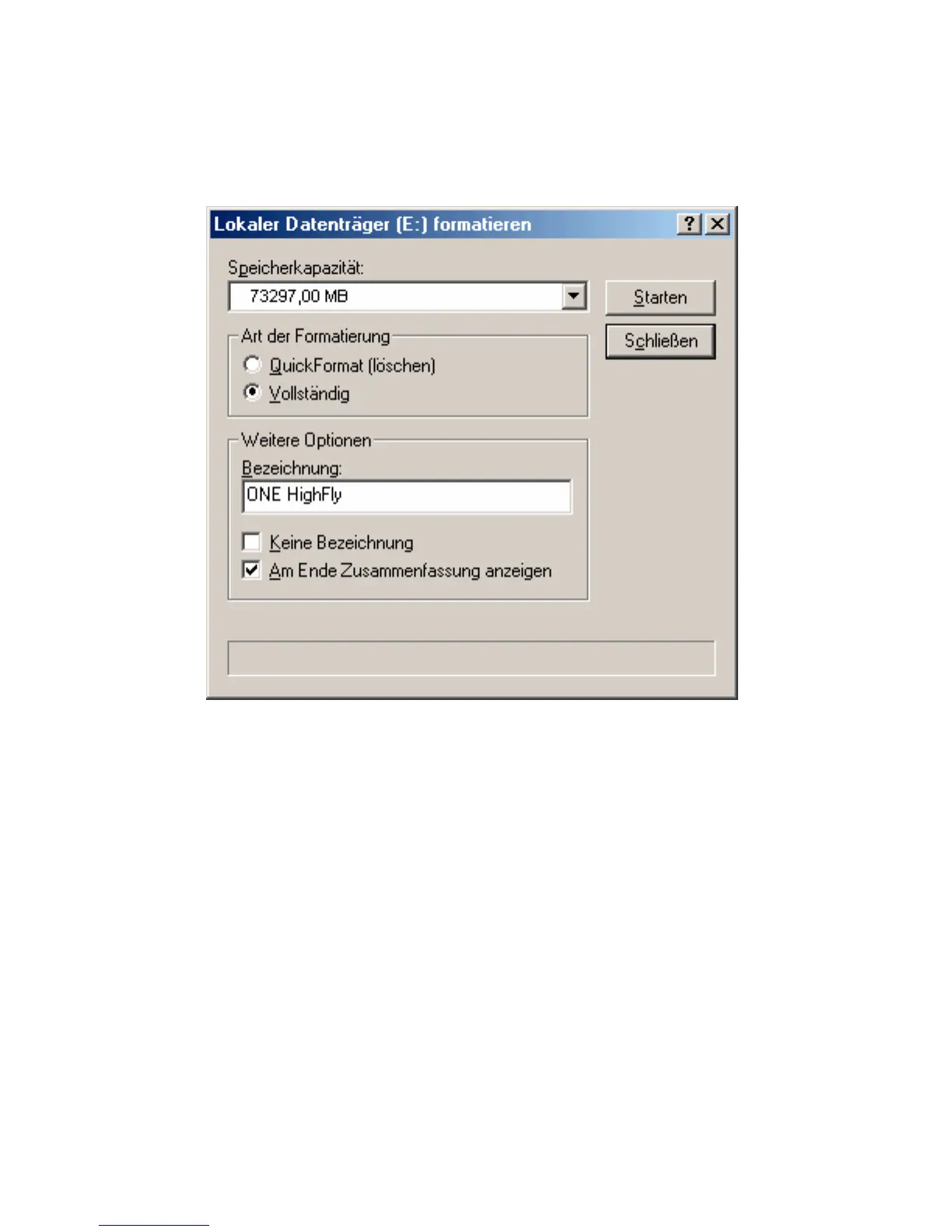
Type in the name for the new partition (e.g. HighFly) and choose
“complete” NOT Quick Format (erase). Quick Format will not work
with the first initialization of a drive.
Follow the messages on the screen.
Now your hard drive is installed completely and can be accessed by
the explorer or under “my computer”.
© 2001 ONE Technologies
ONE Technologies is not responsible for loss of data!



 To Next Page