ONE Technologies
- 81 -
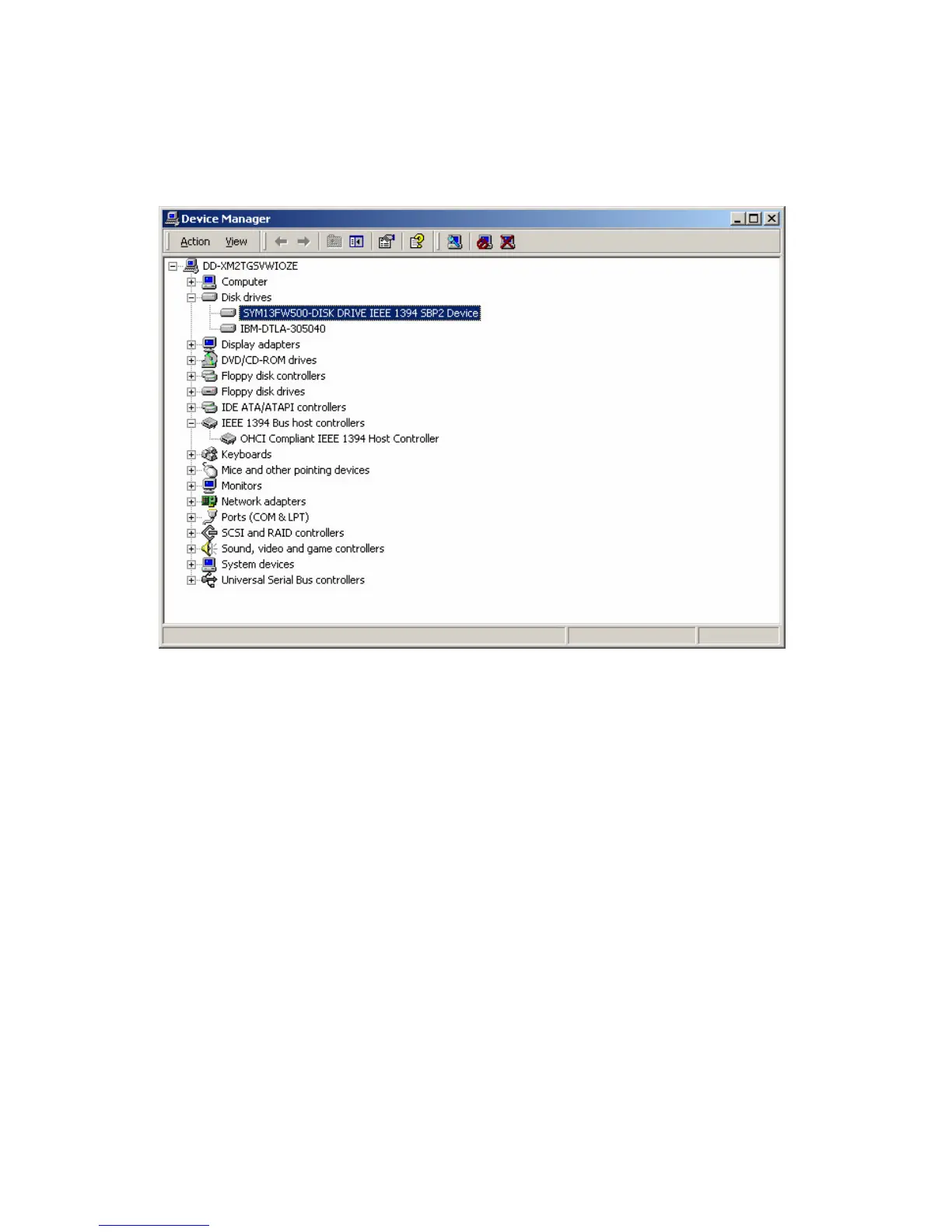
Your drive was installed correctly and has now to be configured.
Here is how to do it:
IMPORTANT NOTICE: Please check every of the following steps
very carefully! Creating partitions and/or formatting a drive causes
the loss of all data stored on it! Please make sure that you always
choose the correct drive while setting it up. If you are unsure using
the Disk Management, please consult your computer´s manual!
To start the Disk Management, click on “START” – “SETTINGS” and
choose “CONTROL PANEL”:



 To Next Page