NOTE:
For the Quick Changer - Robot Side no cable is needed to be connected.
4.4.1. Tool Data Cable
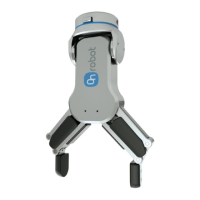
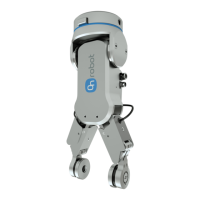
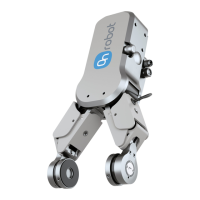
4.4.1.1. RG2-FT
First connect the data cable to the tool.
For RG2-FT the Quick Changer tool data
connector cannot be used. Instead use the
marked M8-4pin connector.
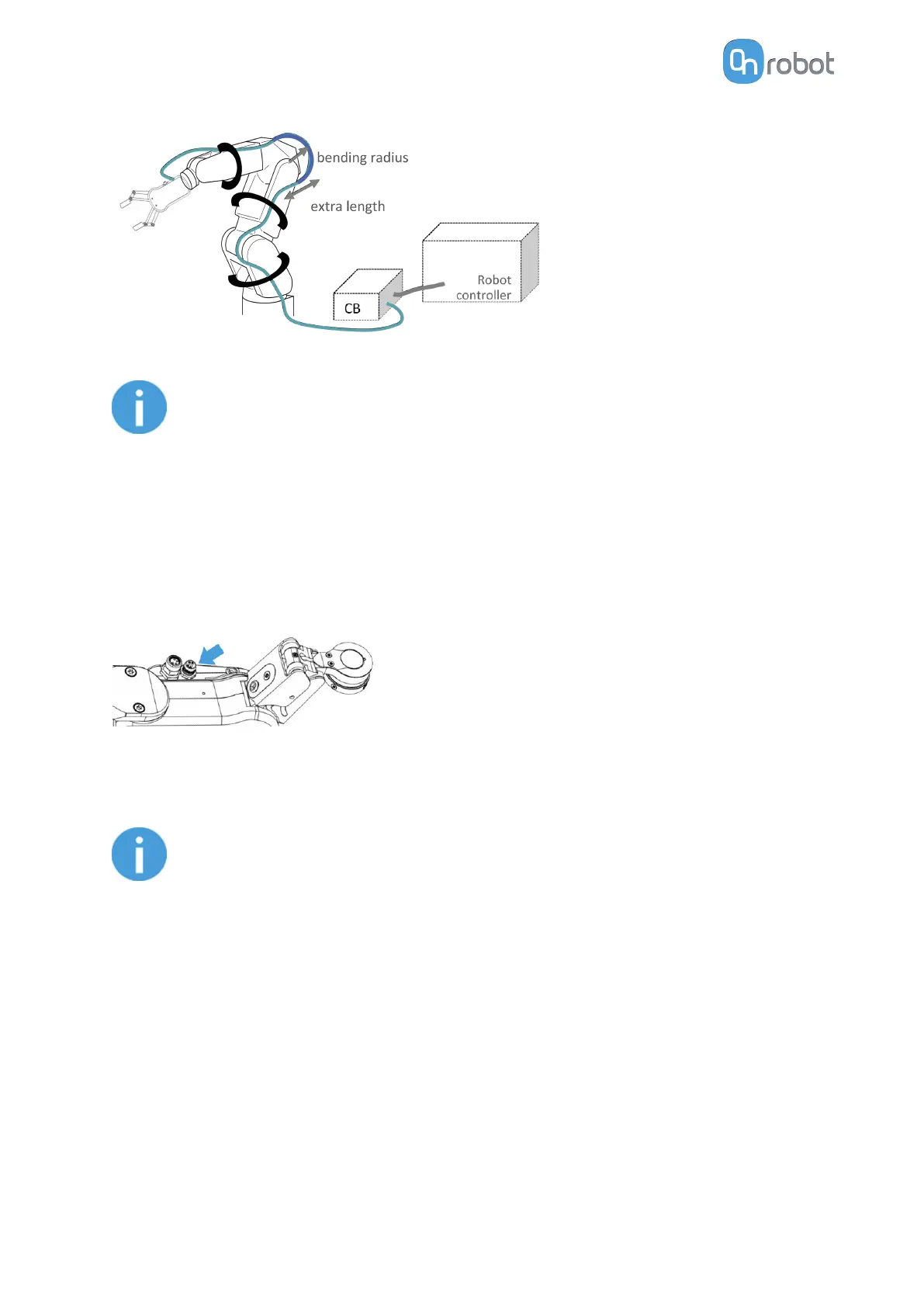
Then route the Tool data cable to the Compute Box (CB) and use the supplied Velcro tape
(black) to fix it.
NOTE:
Make sure that during the routing some extra length is used at the joints so
that cable is not pulled when the robot moves.
Also make sure that the cable bending radius is minimum 40mm (for the HEX-
E/H QC it is 70mm).
Finally, connect the other end of the Tool data cable to the Compute Box's DEVICES
connector.
HW INSTALLATION
14


 To Next Page