5. Initialize the robot. 5. Initialize the robot.
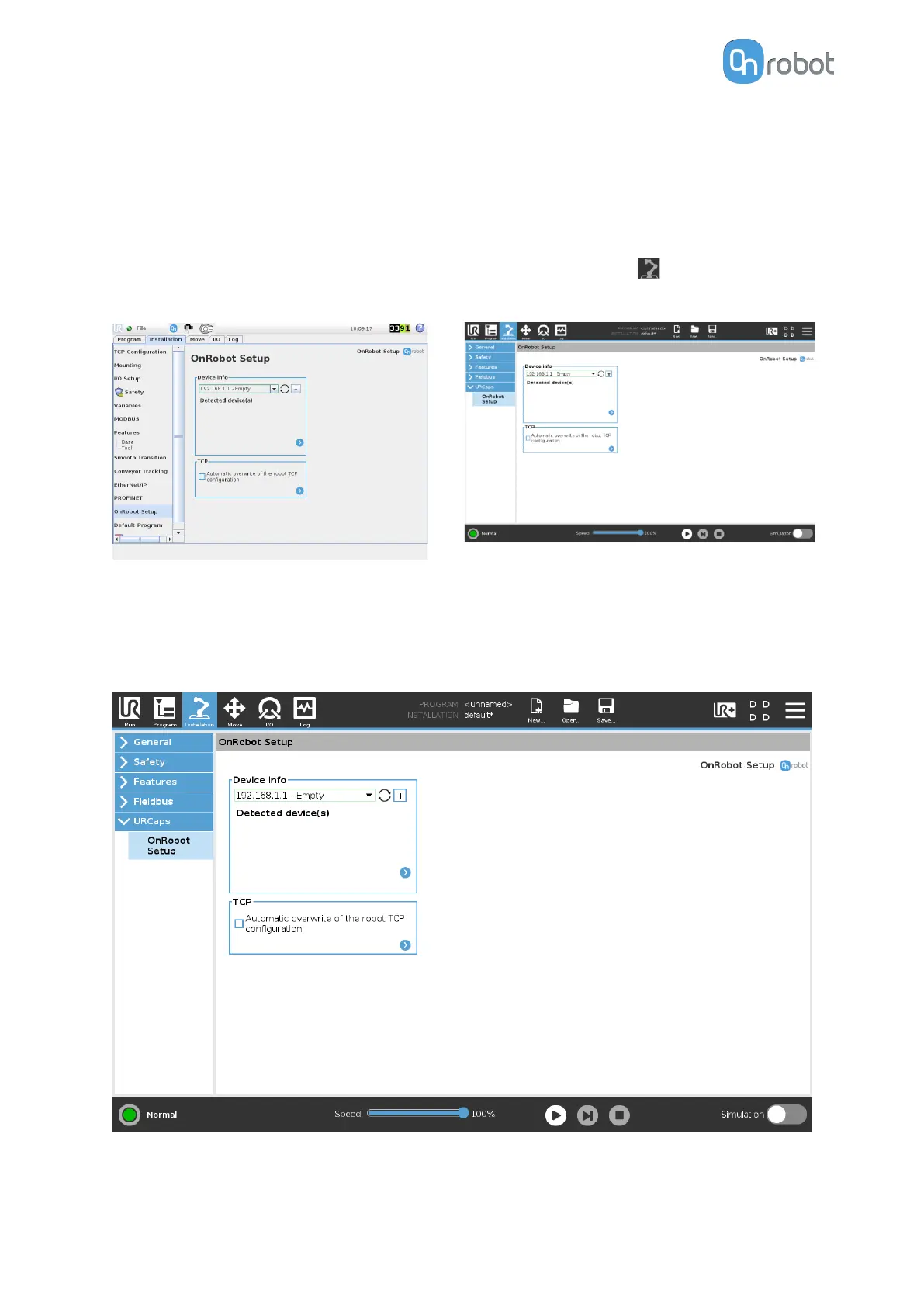
5.1.3. URCap Setup
UR CB3 UR e-Series
Select the Installation tab, then select
OnRobot Setup. The following screen is
shown:
Tap on the Installation tab in the top menu.
Then tap on the URCaps.
5.1.3.1. Load Multiple Devices
Device info
In the normal view of the panel, the available functions are shown below:
Dropdown menu to select a device-robot communication channel: Select whether you want
to discover the devices connected to the tool connector or to the compute box.
SW INSTALLATION
19



 To Next Page