Page 11 of 40
The Installation Screen
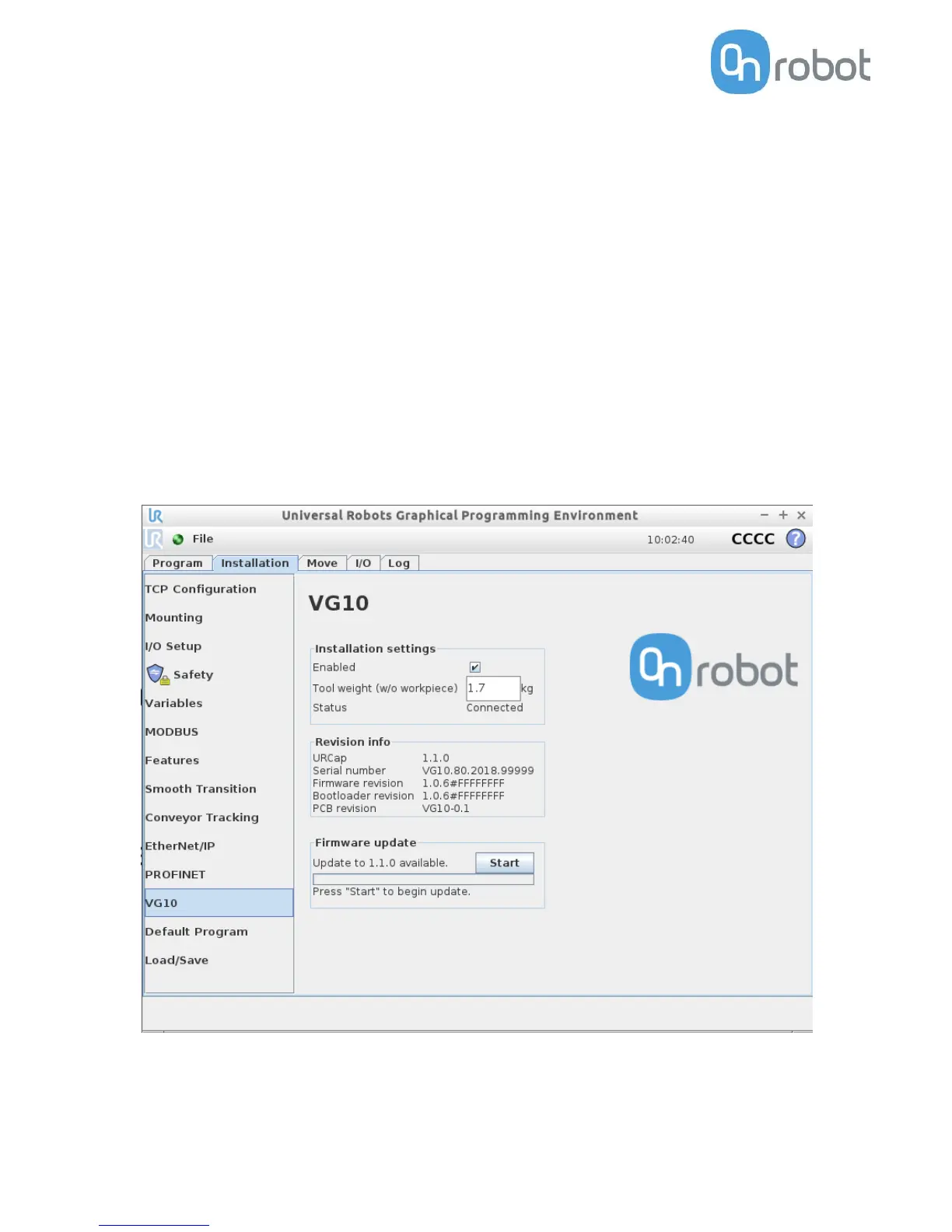
This tab contains general information and settings for the VG10. Serial and revision
numbers will automatically be transferred from the VG10 after a few seconds.
The VG10 URCap can be disabled per installation by unchecking the checkbox. This
option can be useful when multiple URCaps utilizing the tool IOs are installed on the
robot and used in different installations (See how to install in the Installation Section).
Tool weight should be set to the total weight including tool changes and other
accessories, but without the workpieces to be handled (see figure 2.2 )
The structure tab is used to insert the Grip and Release function in the Robot program
structure tree (See figure 2.2). In the URCaps tab, you will find the two buttons.
If only the VG10 is mounted on the robot, the default setting of 1.7 kg should not be
changed.
An “Start” button will appear if a new firmware is available for the VG10. The update
time varies but is normally just a few minutes.



 To Next Page