Keys, doors and windows 21
Remote control operation
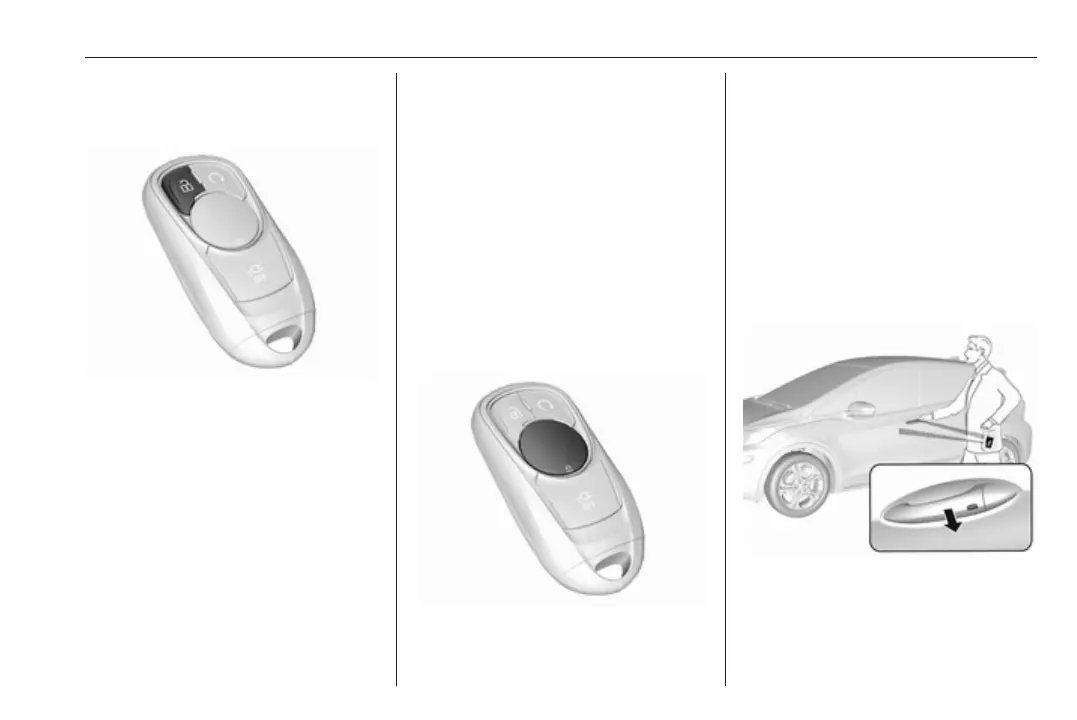
Unlocking
Press (.
Unlocking mode can be set in the
vehicle personalisation menu in the
Info display. Two settings are
selectable:
● All doors, load compartment and
charge port door will be unlocked
by pressing ( once.
● Only the driver's door, load
compartment and charge port
door will be unlocked by pressing
( once. To unlock all doors,
press ( twice.
Select the relevant setting in Settings,
I Vehicle in the Info display.
Info display 3 86.
Vehicle personalisation 3 92.
The setting can be saved for the
remote control being used.
Memorised settings 3 20.
Unlocking and opening the tailgate
3 28.
Locking
Close doors, load compartment and
charge port door.
Press ).
If the driver's door is not closed
properly, the central locking system
will not work.
Confirmation
Operation of the central locking
system is confirmed by the hazard
warning flashers. A precondition is
that the setting is activated in the
vehicle personalisation 3 92.
Electronic key system operation
The electronic key must be outside
the vehicle, within a range of approx.
one metre of the relevant door side.



 To Next Page