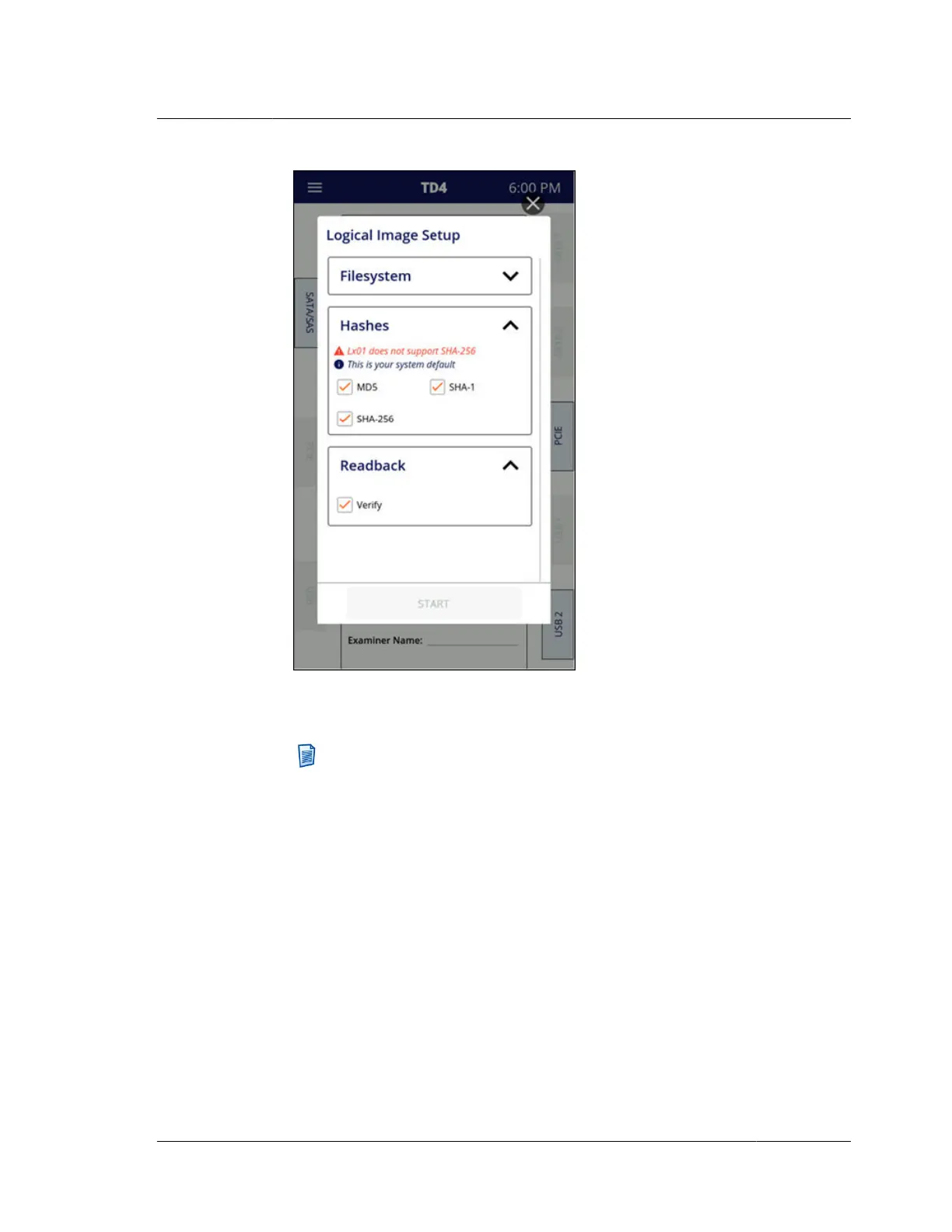
Once all the advanced settings screen settings have been resolved/verified, tap
the Start button to begin the Logical Image job.
Note: As indicated by the informative message in the screenshot above
(“This is your system default”), whenever a setting is changed in an
advanced settings screen as part of the setup for a specific job, that is
equivalent to changing that setting in the main Settings menu.
4. After a Logical Image job is started, its job status screen will appear, as shown
below.
4.10. Logical imaging
ISTD230100-UGD-EN-1
User Guide
63



 To Next Page