36
Model 72 User Manual - OPEX Corporation
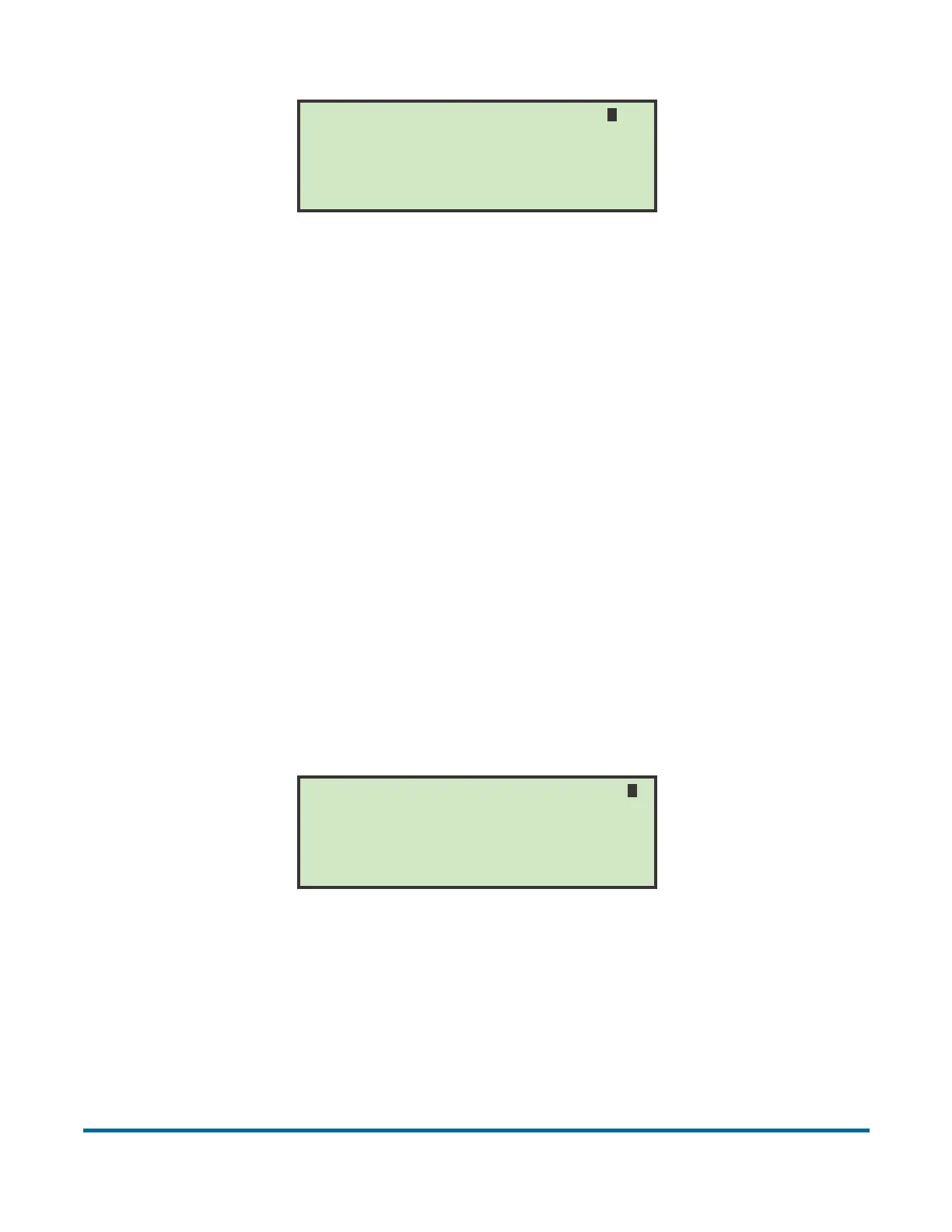
Figure 40: Content mode screen
When content activation is selected, envelopes will not leave the extraction
area until they are completely empty. Therefore, this mode is the preferred
choice when most of the envelopes in a job exhibit a consistent thickness
(optical density) profile. When selecting content activation, make sure that any
slight change in extraction stopping position will not result in seams or varying
printing areas blocking the extraction sensor.
When a job using content activation is started, the first piece run will stop in the
extraction area and the Cycle light will illuminate. After removing all the
contents, the user pressing the Cycle button to signal to the computer that the
envelope is empty. The system will then take a thickness reading of a sample
empty envelope.
Differential mode
On the SELECT ACTIVATION screen (Figure 39), use the arrow buttons to
highlight DIFFERENTIAL and press Enter. The Differential mode screen
appears.
Figure 41: Differential activation mode screen
In differential activation, an envelope will leave the extraction area when a
change of thickness representing the removal of at least one sheet of paper is
detected. This has the advantage of handling a wide variety of envelopes and
decreases the problems associated with varying stopping distances and
INCREASE if mail does not leave extract
Press ENTER to save or CANCEL to exit
Use ARROWS to change value
CONTENT MODE VOLTAGE CHANGE = 0200
DECREASE if mail leaves extract early
DECREASE if mail does not leave extract
Press ENTER to save or CANCEL to exit
Use ARROWS to change value
DIFFERENTIAL MODE VOLTAGE CHANGE = 0300
INCREASE if mail leaves extract early



 To Next Page