37
Model 72 User Manual - OPEX Corporation
envelope printing. However, the advantage of detecting empty envelopes
present in content activation is sacrificed.
Since only a change in thickness is required for any particular envelope, no
reference envelope is needed. The sensitivity for differential activation may be
adjusted by changing the value for the DIFFERENTIAL MODE VOLTAGE
CHANGE job parameter.
Removal mode
Note: Removal mode is an automatic change and does not have its own
screen.
When removal activation is enabled, the removal sensor located in front of the
extraction area is used to signal that an envelope is empty. Typically, the
operator removes all the contents and in the same motion wipes the contents
over the removal sensor. Removal activation is used when an envelope profile
of a particular job prevents effective use of content or differential activation.
Time Out mode
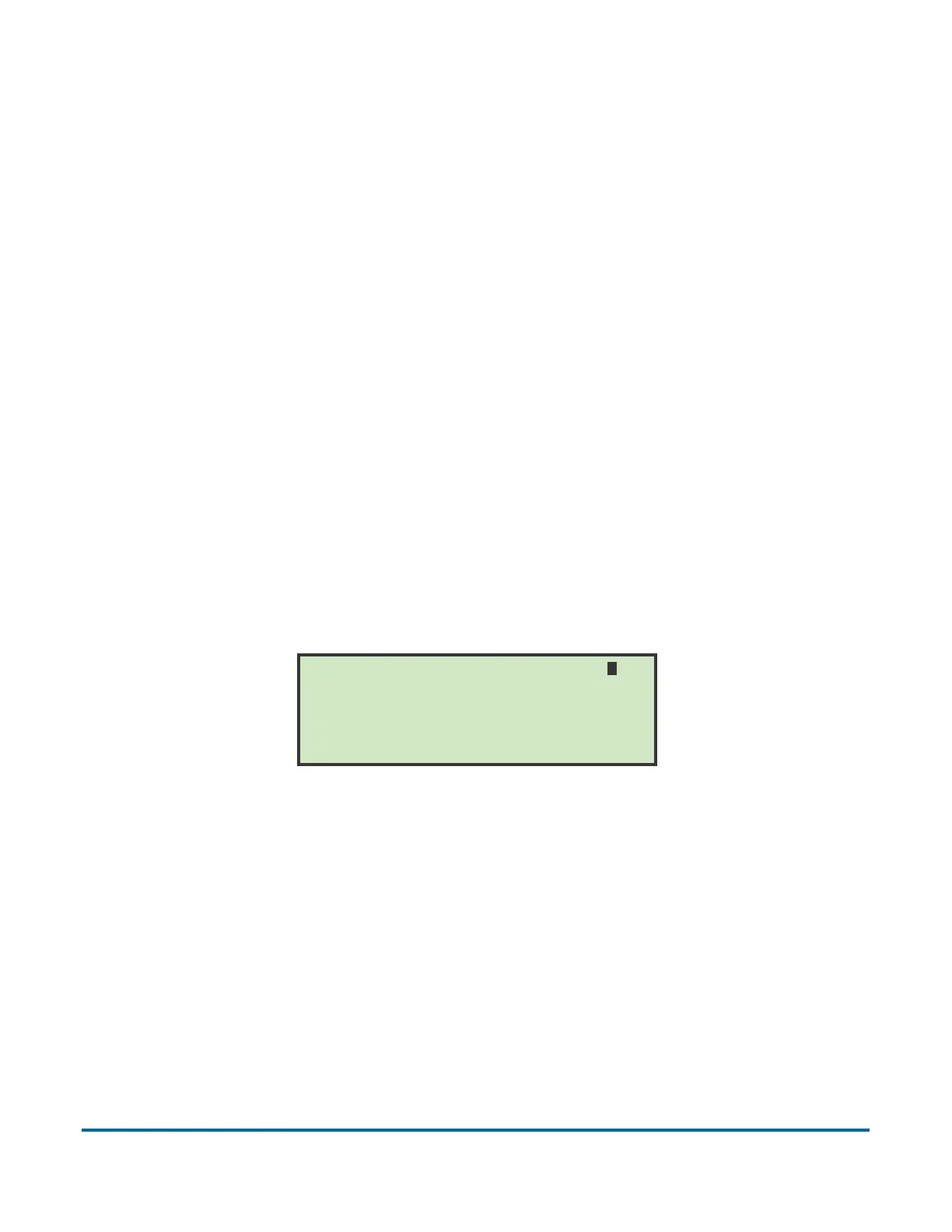
On the SELECT ACTIVATION screen (Figure 39), use the arrow buttons to
highlight TIME OUT and press Enter. The Time Out mode screen appears.
Figure 42: Time Out activation mode screen
Time out activation is infrequently used, however, it may prove helpful in some
applications. In this mode, an envelope will be opened in the extraction area for
the duration equal to the TIME MODE CYCLE TIME (Figure 42), and will then be
released and transported to the Verifier. Meanwhile, the next envelope will
appear in the extraction area.
Press ENTER to save or CANCEL to exit
Use ARROWS to change value
TIME MODE CYCLE TIME (MSEC) = 0500
INCREASE if mail leaves extract early



 To Next Page