41
Model 72 User Manual - OPEX Corporation
This job parameter is used to set the main transport height. Transport height
can be set on a scale from 1 (short mail) to 10 (tall mail). The transport height
can be adjusted by moving the cursor with the right and left arrows and
pressing Enter.
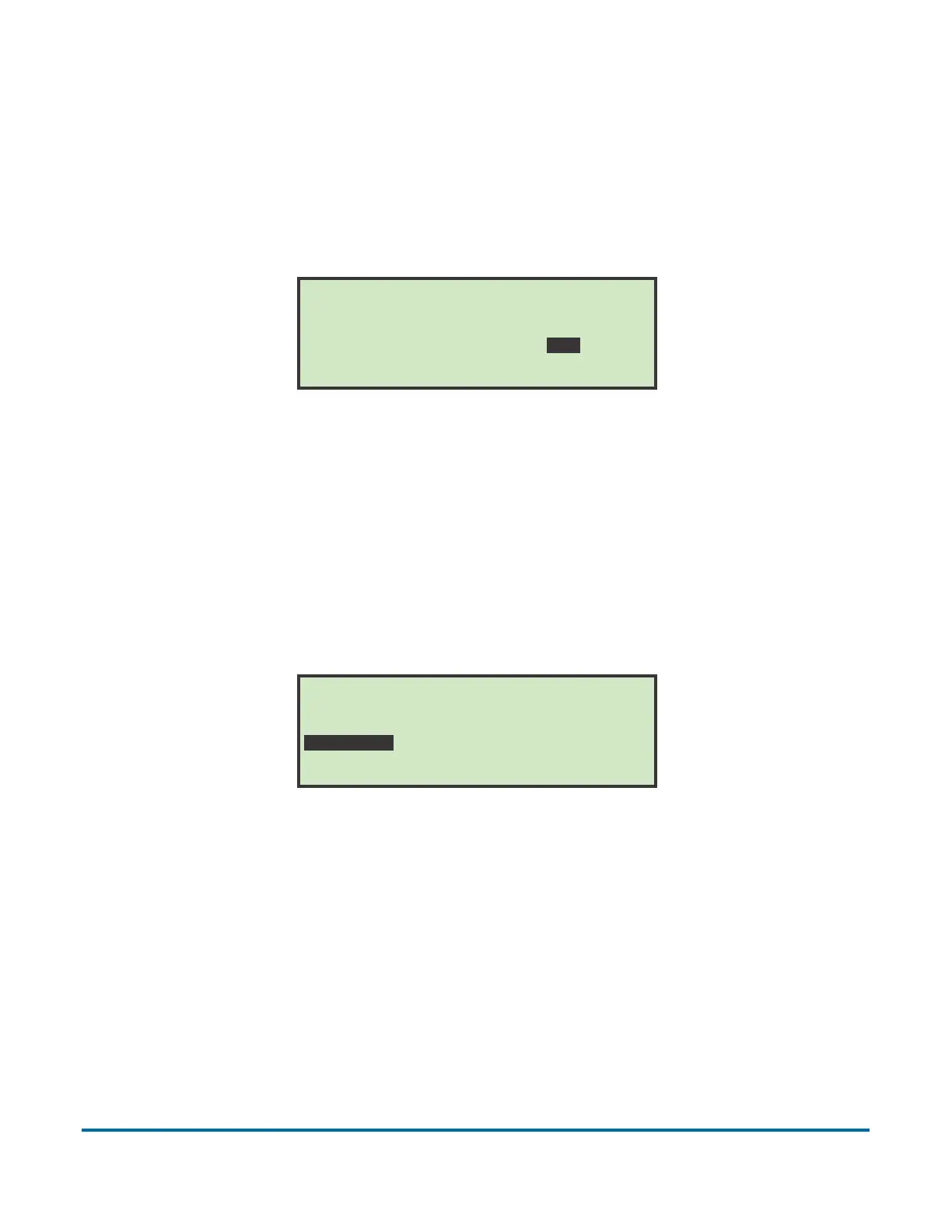
CUP OPEN AMOUNT
Figure 49: Cup Open Amount screen
This parameter is used to determine how wide the extract cups should open an
envelope. Opening size can be set on a scale from 1 (small opening) to 10
(large opening). The cup open amount can be adjusted by moving the cursor
with the right and left arrows and pressing Enter.
SIDE CUT OPTION
Figure 50: Side Cut Option screen
This job parameter is used to identify where the side cutter should be set. This
does not actually adjust the side cutter - it is used to inform the operator where
the recommended setting for the side cutter should be. It is the responsibility of
the operator to set the proper cut depth. The side cut amount can be adjusted
by moving the cursor with the right and left arrows and pressing Enter.
CUP OPEN AMOUNT
SMALL OPENING (-----------) LARGE OPENING
1...2...3...4...5...6...7...8...9...10..
SIDE CUT OPTION
NO CUT (-----------------------) DEEP CUT
0.........1.........2.........3.........



 To Next Page