40
Model 72 User Manual - OPEX Corporation
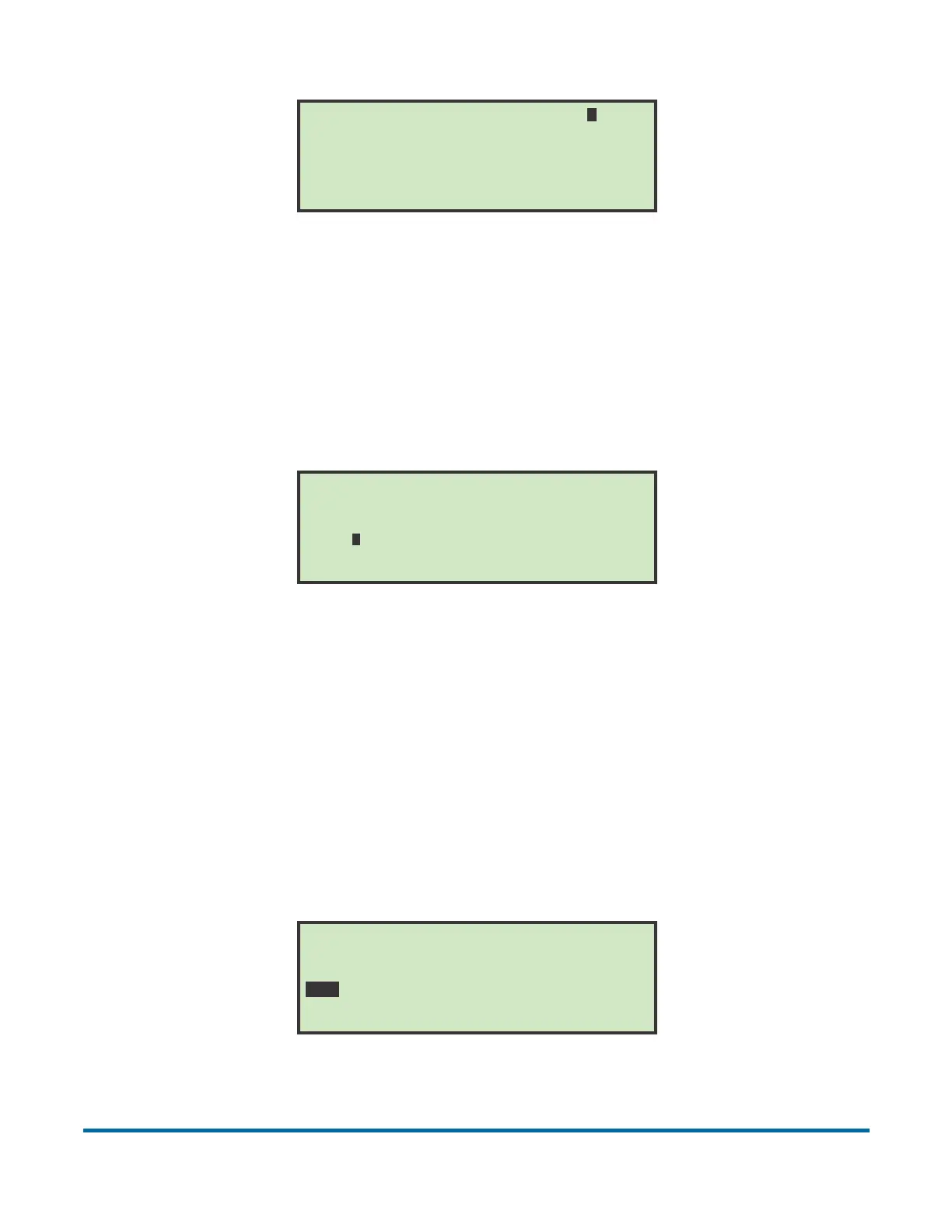
Figure 46: Verifier voltage change screen
This parameter can be used to “fine tune” how the verifier is sensing empty
envelopes. Use the onscreen instructions to set the verifier to its optimal
setting.
GRAPH REFERENCE
Figure 47: Graph Reference screen
During run mode, a graph is displayed that shows an operator's performance.
A horizontal line, representing the average or target rate is also displayed. This
target rate is a job parameter and is altered by selecting the GRAPH
REFERENCE option. The target rate can be set by moving the cursor with the
right and left arrows and pressing Enter. Values may be changed in increments
of 100.
TRANSPORT HEIGHT
Figure 48: Transport Height screen
DECREASE if verifier misses contents
Press ENTER to save or CANCEL to exit
Use ARROWS to change value
VERIFIER VOLTAGE CHANGE =0220
INCREASE if verifier false triggers
GRAPH REFERENCE
. 1 . 2 . 3 . 4
. 0 . 0 . 0 . 0
. 0 . 0 . 0 . 0
. 0 . 0 . 0 . 0
.................. ..................
TRANSPORT HEIGHT
SHORT MAIL (------------------) TALL MAIL
1...2...3...4...5...6...7...8...9...10..



 To Next Page