2 Operating the System
2-24 AS-Series Operator Manual August 2010
Assigning page sub-types
If one or more of the page types in the current job also contain sub-types, you must
assign the document a sub-type before scanning it into the system. To assign a page
sub-type:
1 While running a job, press the appropriate page type button. For example, if you
are scanning cash into the system, press the Cash page type button.
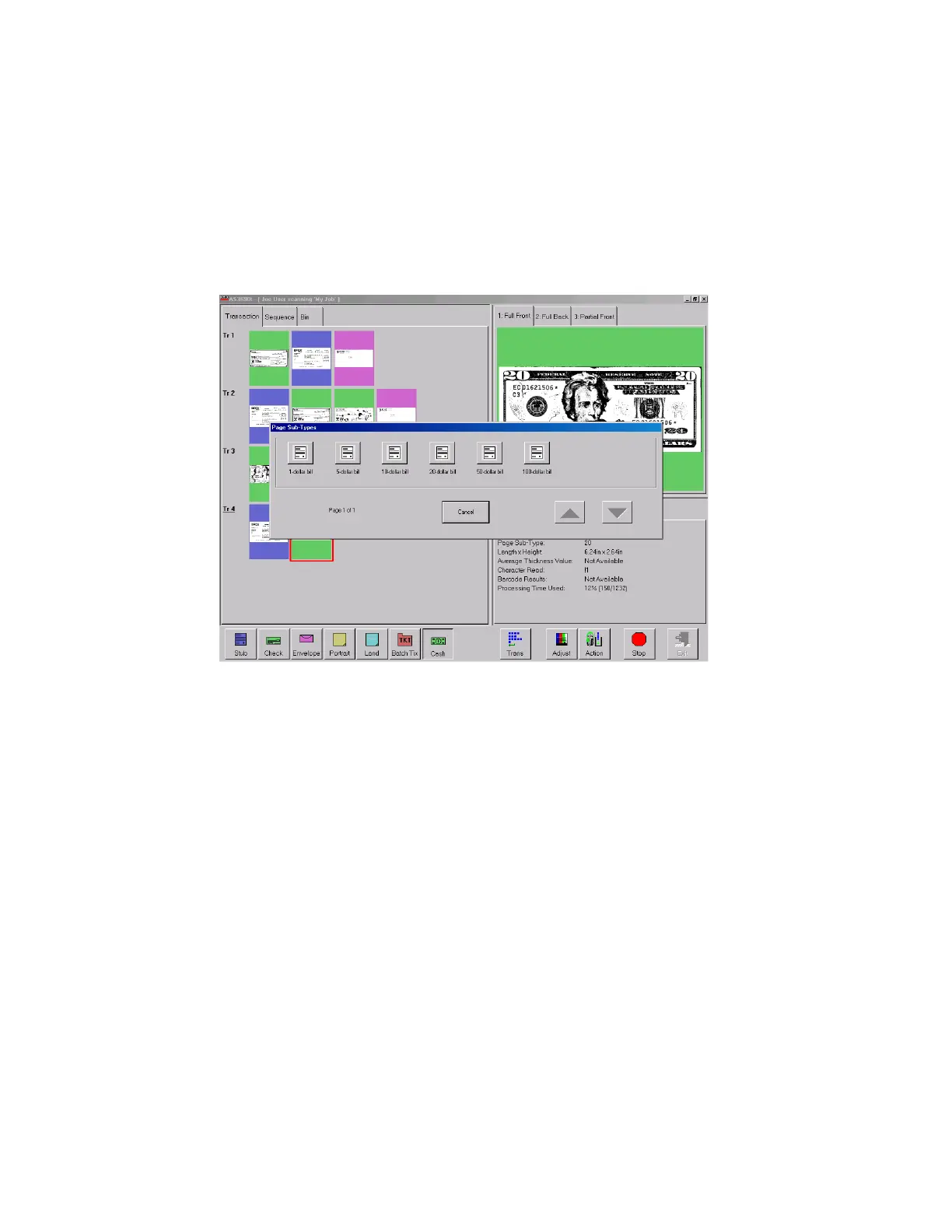
2 Select from the available page sub-types.
FIGURE 14: Assigning a page sub-type
3 Scan the document.
NOTE: If you do not assign a page sub-type before you scan an eligible document, the
system will assign the default page sub-type to the document. For example, if
you are scanning cash and you have the 1-dollar bill set up as the default, all
the cash you scan will be classified as 1-dollar bills unless you assign another
sub-type as described.



 To Next Page