2 Operating the System
2-26 AS-Series Operator Manual August 2010
Deleting documents from the batch
When the machine is stopped, you can delete documents from the batch. Press the
Delete button to delete a document image.
NOTE: The Delete button will only be present if activated for the current job.
The action of the Delete button depends on the setting of the Allow Delete job parameter:
• If the parameter is set to Delete Last Item, you will only be able to delete the most
recently scanned document image from the batch. Press Delete to delete the last
image.
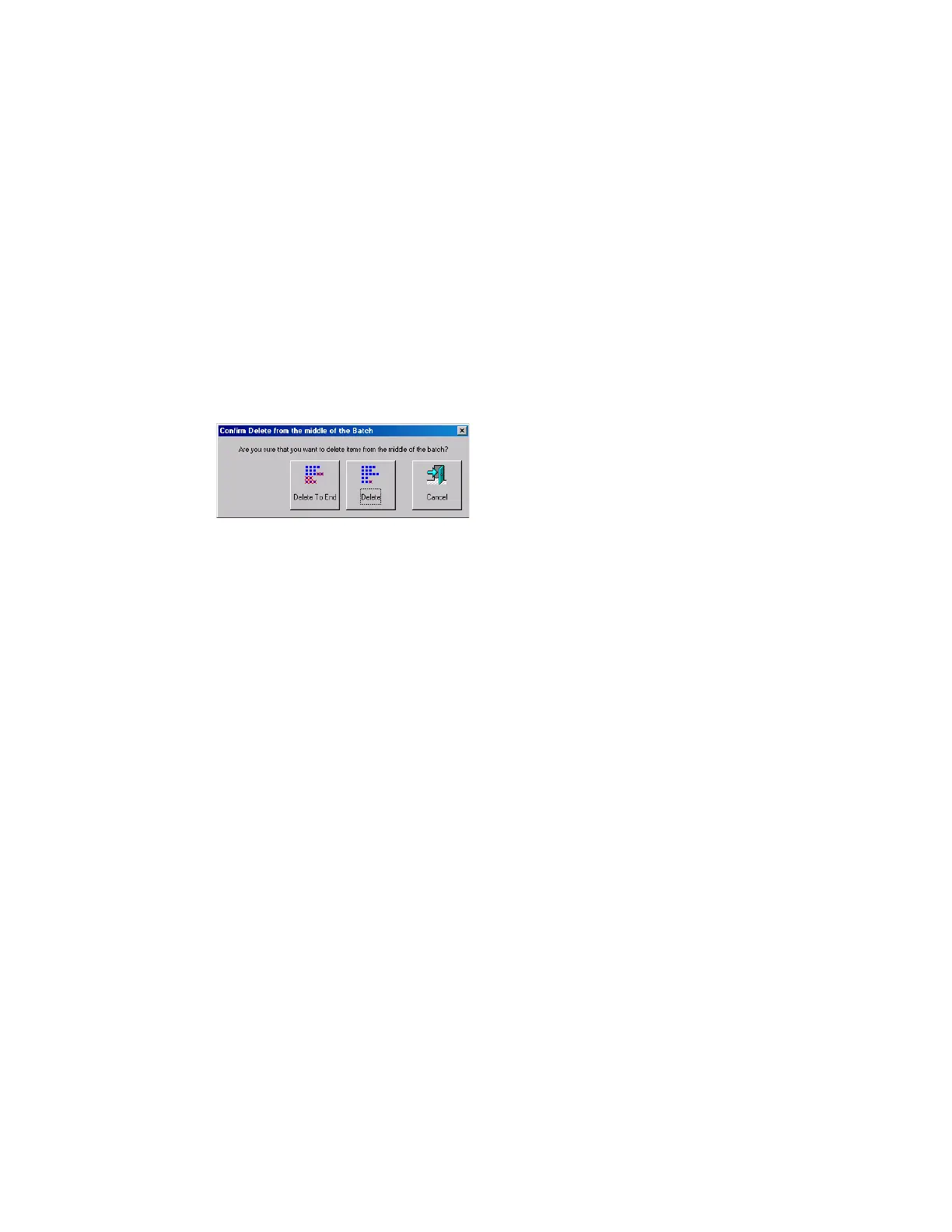
•If the Allow Delete parameter is set to Delete To End Of Batch, you can also choose a
document thumbnail and delete all the documents scanned after the selected
document. When the Delete button is pressed, the Confirm Delete window
(Figure 15) will appear.
FIGURE 15: Confirm delete
NOTE:
It is not possible to delete a single document image from the middle of the
batch. If you need to delete an image from the middle of the batch, you must
also delete all the images to the end of the batch as well.



 To Next Page