2 Operating the System
August 2010 AS-Series Operator Manual 2-33
KeyAssist
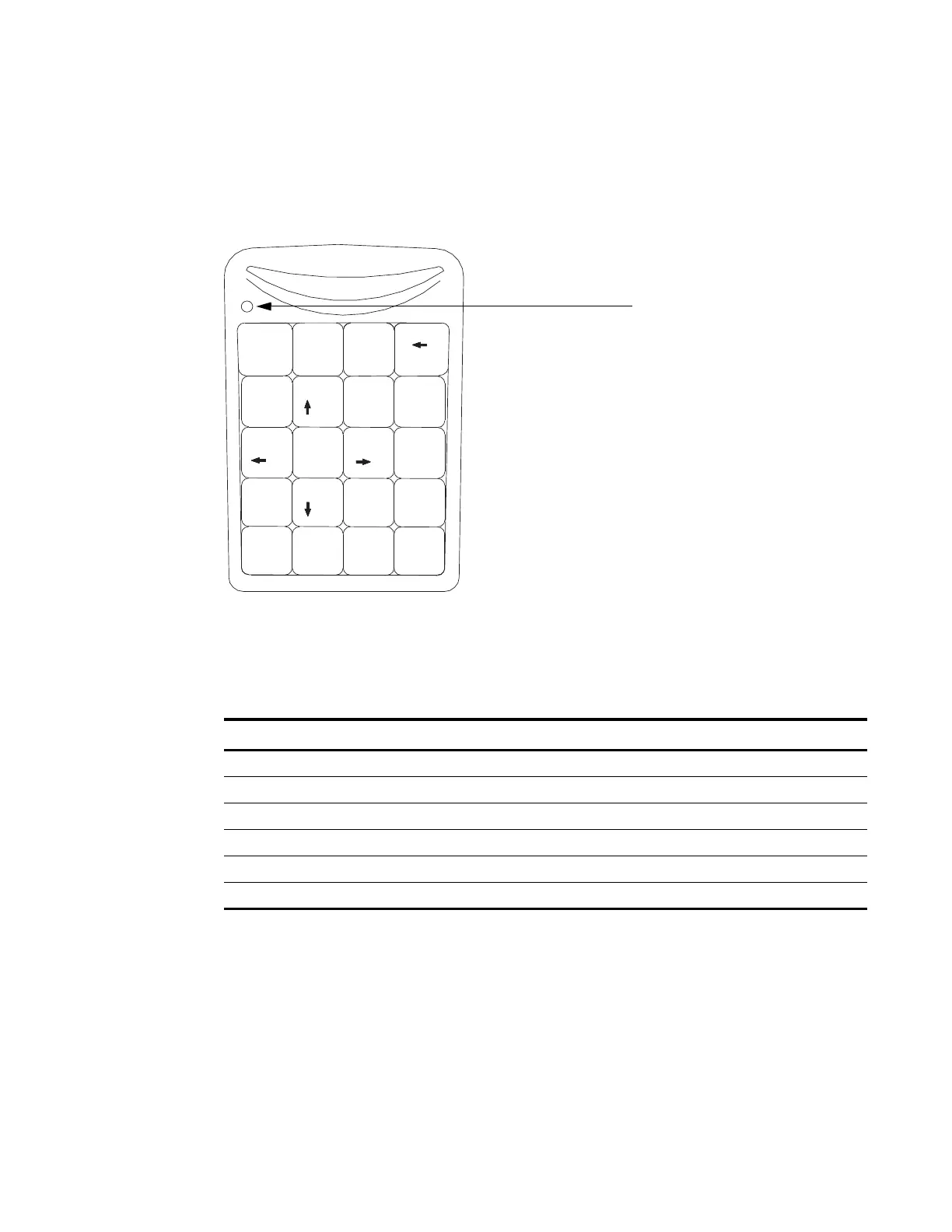
KeyAssist, a purchasable option, allows you to use the keys on an external keypad to
perform specific functions in the Run screen, such as selecting a page type, starting
and stopping jobs, and rotating images. This feature alleviates the repetitive motion
of reaching to touch the monitor.
FIGURE 22: External keypad
The KeyAssist feature will not work with structured jobs, as they require page types
in a specific order. Also, you cannot use KeyAssist with Reference ID in the same job.
Use the keypad to activate many of the more common Run screen functions:
Key Function
1-8 selects page types 1-8 (and page sub-types, when the sub-type select screen is displayed)
0 selects a new transaction
+ starts/stops the track
/ rotates the piece 90 degrees clockwise
* rotates the piece 180 degrees
- flips the front and back images (if the page type is set up to scan front and back images)
Home
7
89
6
5
4
1
2
3
/
Num
Lock
Enter
*
Bk Sp
Pg Up
_
+
=
Pg Dn
Del
*
0
00
End
Ins
,
Make sure Num Lock
is enabled (LED lit)



 To Next Page