2 Operating the System
2-32 AS-Series Operator Manual August 2010
Operation
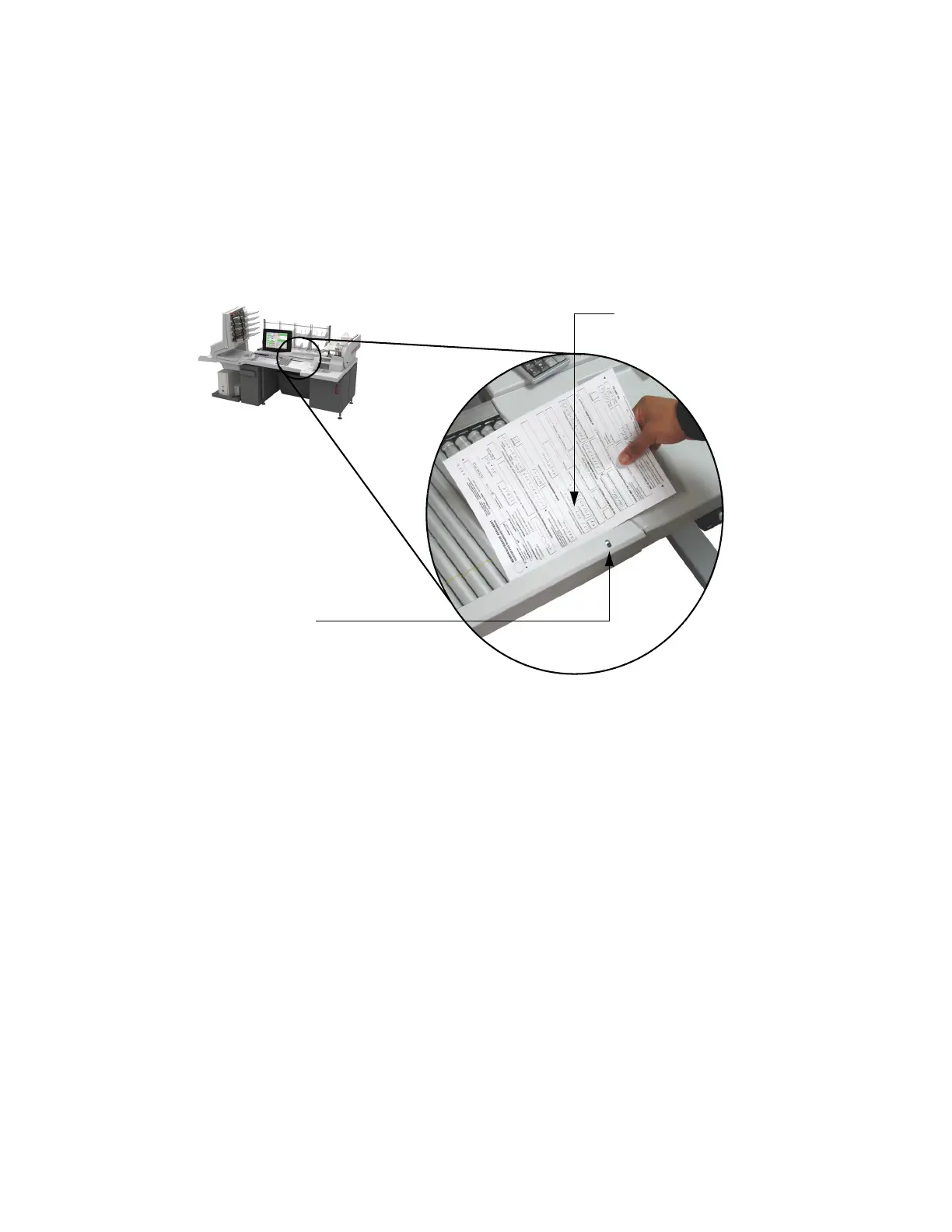
To trigger IdAssist, simply drop the document in front of the sensor as shown in
Figure 21. The indicator light will blink, notifying you that IdAssist was activated.
The document will be scanned and sorted according to job’s parameters.
NOTE: When using the Page Sub-Type Select IdAssist function, you must select the
sub-type before the document enters the scanner. If a page sub-type is not
selected, the document will be assigned the default page sub-type. If no
default page sub-type has been assigned, the document will be rejected.
FIGURE 21: Triggering IdAssist
IdAssist LED/sensor
Drop documents here to trigger IdAssist



 To Next Page