3 Operational Maintenance
August 2010 AS3690 Operator Manual 3-5
Feed assembly
Black lines on the image can be caused by dirt (toner, ink, white out, glue, etc.)
transferred from the paper to the rollers and feeder (belts and pad).
1 Stop all jobs and ensure that all motors are stopped.
2 Lift the feed arm assembly up (hinged on the left side) and loosen the thumb
screw on the back side (see Figure 27).
3 Disengage the cover by sliding it forward away from the hinge and remove it.
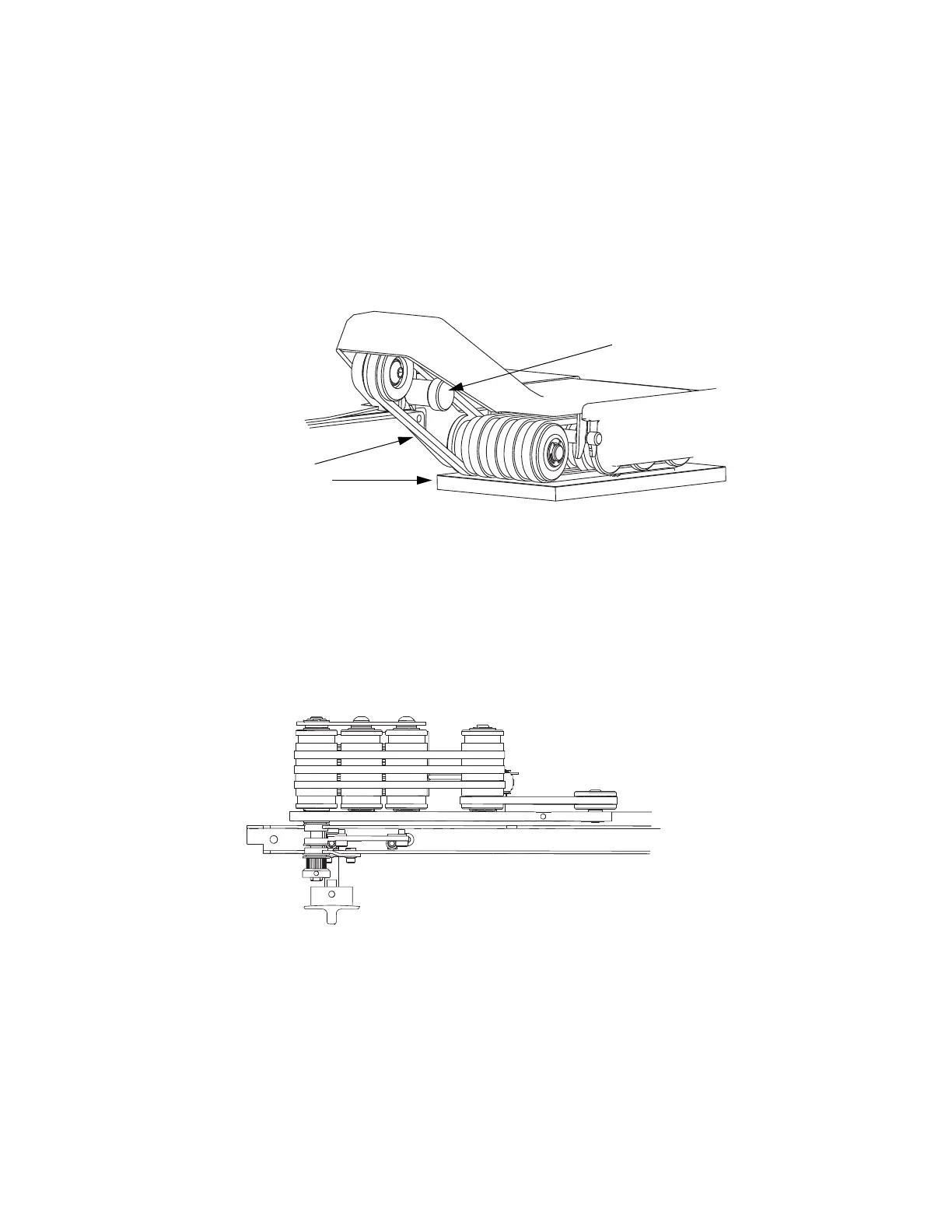
FIGURE 27: Belts and retard pad location
4 While holding the Feed arm upright, vacuum dust and debris from belts and
pulleys.
5 On a weekly basis or if the dirt buildup on the pulleys appears excessive, clean
the top side of the feed belts (see Figure 28). To do this:
a. Spray a mild detergent onto a lint-free cloth and wipe the belts clean.
b. Rotate the belts manually to ensure that the entire surface area is cleaned.
While manually rotating the belts, check the idler pulleys for dirt buildup.
FIGURE 28: Feed Belt Assembly
Ink can also get transferred to the retard pad making it slick. When the feeder knob
is in the upright position, the pad can be removed and cleaned easily.
Clean belts
and retard pad
Thumbscrew



 To Next Page