40
Falcon User Manual - Remittance Processing - OPEX Corporation
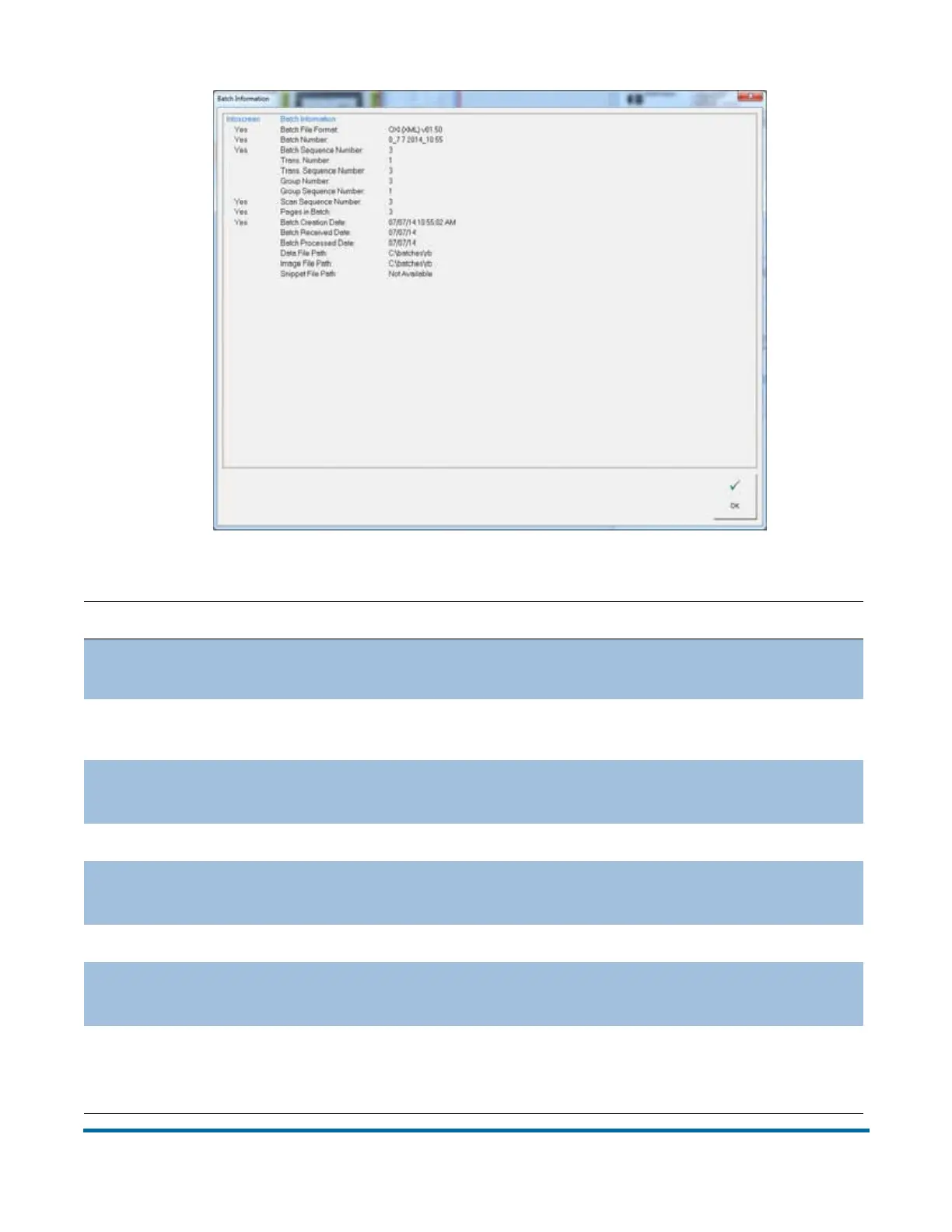
Table 4: Batch Information - detailed view
Parameter Description
Batch File Format
{DAT, ODI, OXI, OII} as set in batch parameters in job
setup
Batch Number
Determined by plug-in, operator entry, batch ticket or
system. Batch parameters in job setup.
Batch Sequence
Number
For the selected item. 0 for batch tickets, then the
ordinal number of the item in the batch.
Transaction Number Number of transactions, save the batch ticket set
Transaction
Sequence Number
For the selected item. Ordinal number of selected item
within its transaction.
Group Number Number of groups
Group Sequence
Number
For the selected item. Ordinal number of selected item
within its group.
Scan Sequence
Number
For the selected item. Ordinal number with regard to
scanning. Rescans will change this number for a given
item.



 To Next Page