108 Maintenance
FalconV User Manual - Standard Scanning - OPEX Corporation
should not appear on the image when the piece is scanned again. Be sure to
clean the top camera glass if the line appears on the front side of the image.
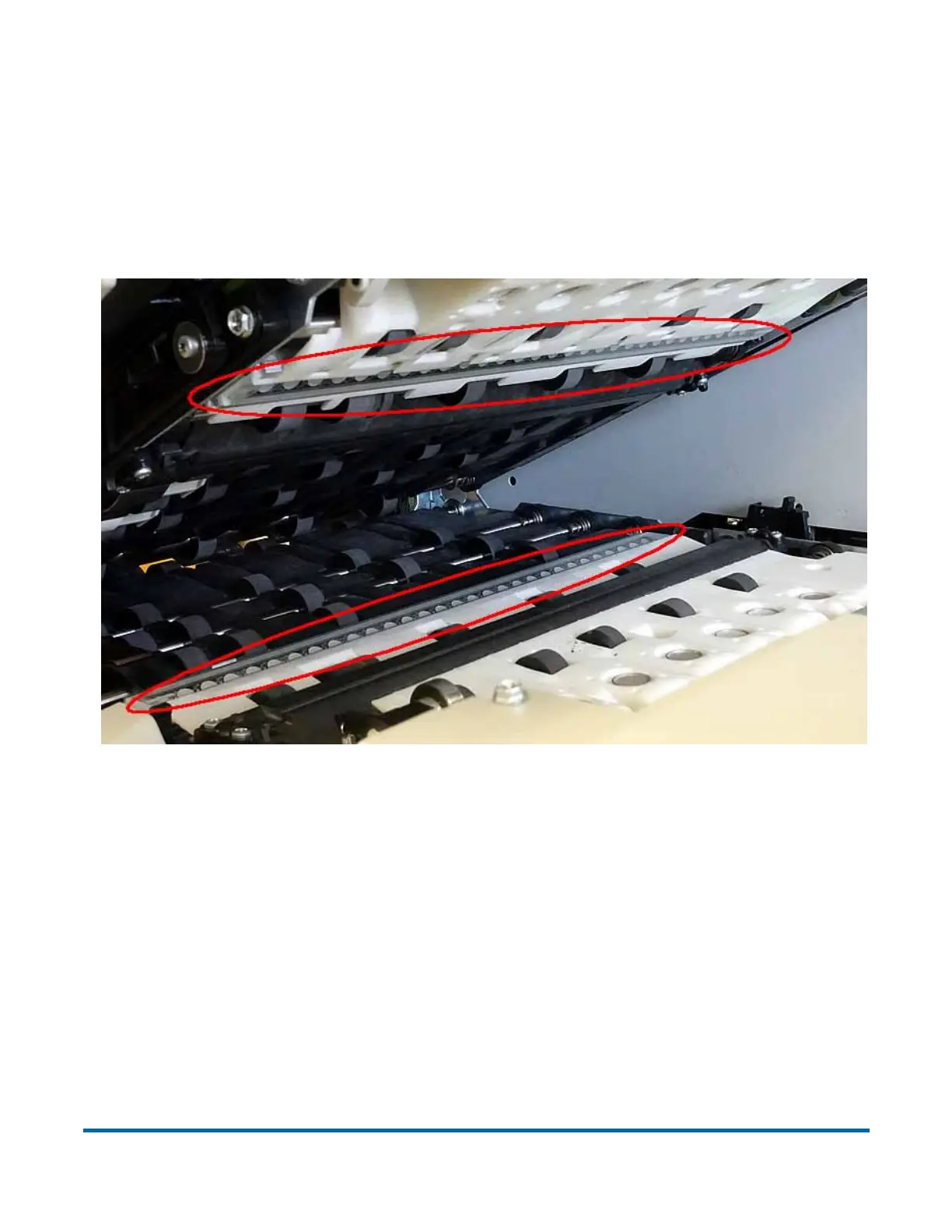
The contact image sensors are located underneath the transport door. Apply
Windex (the recommended glass cleaner) to a lint-free rag and wipe the
imager glass top (front camera) and bottom (back camera). The top camera is
on the underside of the door directly above the bottom camera.
Figure 42: Contact image sensor locations



 To Next Page