Operation 47
FalconV User Manual - Standard Scanning - OPEX Corporation
Information window
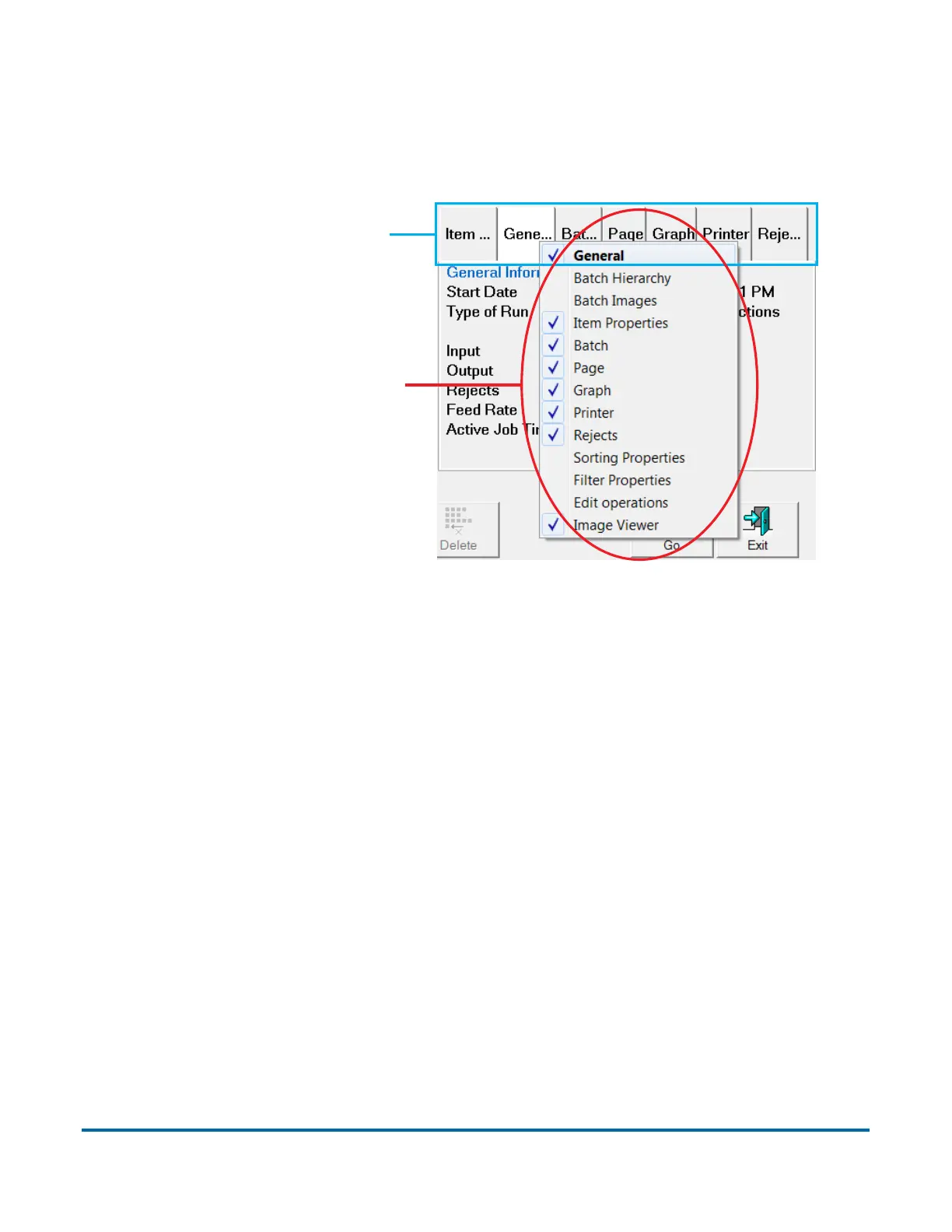
Right-clicking on the information tabs will display a menu of all available
categories based on the current job settings.
Figure 9: Selecting info window tabs
The default location for the Information window is in the lower right corner of
the Run screen.
Right-click anywhere here
to bring up the list
Available info window tabs



 To Next Page